
Draft sector directory
Business technology perspectives
These draft perspectives outline technology considerations that can vary by sector. They are not a verified client list, do not state certification or compliance guarantees, and are published in a sandbox for review only; this page is noindex.
Browse by industry
Technology context by operating environment
Choose an industry to review the considerations, priorities and relevant existing service pages in one place.
Legal practices

Bring matter files, document management and secure team access into one plan. A legal practice needs its business applications and underlying network to work together, with recovery priorities clear when a system is unavailable.
vCloud's existing law-firm management service provides a specific starting point for this sector. Discuss the applications your practice uses, how staff work across locations and which documents and systems need priority recovery. Do not assume integration with a particular practice-management product without confirming scope.
Read perspectiveAccounting & bookkeeping

Coordinate accounting applications, client documents and seasonal workloads with the technology underneath them. Consider secure access, dependable connectivity and backup so office-based and remote team members can work from the same information.
An accounting or bookkeeping practice may use several cloud platforms alongside local files and specialist desktop applications. Identify where client information is stored, who needs access and what happens if a device or connection fails during a busy period. Confirm third-party application support with its provider.
Read perspectiveMedical & allied health

Patient information, appointment systems and everyday practice applications need careful attention. Put access, connectivity and recovery priorities into a coordinated technology discussion, while keeping clinical software and professional obligations in their proper scope.
Start with the practice-management systems, workstations and connected devices your clinic actually uses. Map staff access and the effect of unavailable systems on reception and practitioners. Clinical functionality, privacy obligations and any compliance requirements must be confirmed with the relevant qualified advisers and software providers.
Read perspectiveArchitectural practices

Large design files, shared project information and collaboration across offices can place different demands on IT. Consider storage, remote access and recovery alongside the workstations and applications your design team relies on.
An architectural practice should discuss file sizes, project collaboration and the working locations of its team before choosing a hosted or local environment. Identify software-provider requirements and which drawings and project records need versioned recovery. Confirm workstation and application compatibility as part of the proposal.
Read perspectiveFinancial advisers

Client records, communications and advice platforms should be considered together. Discuss dependable access, staff permissions and business continuity without treating a generic technology package as proof of regulatory compliance.
Map the tools your advisory business uses for client information, meetings and record keeping. Review authorised access and how staff would operate during a device, network or application outage. Your professional and regulatory requirements remain a matter for qualified advisers; technology scope should reflect the requirements they confirm.
Read perspectiveReal estate agencies

Office staff and agents on the road need access to listings, documents and communications. Bring mobility, business phones and shared information into the same discussion so work does not depend on a single office device.
Consider how your agency handles listing information, property documents and enquiries across the office and field. Clarify who manages the property platform, what can be accessed remotely and where copies of important business records are kept. Confirm third-party platform support before changing the underlying environment.
Read perspectiveNot-for-profit organisations

Staff, volunteers and distributed programs may need different levels of access. Discuss shared systems, predictable support scope and recoverable records in a way that fits the organisation's resources and operating priorities.
A not-for-profit technology plan should distinguish staff, volunteer and program access, including what happens when someone leaves. Identify the records and communications needed to keep services operating. Budget, licensing eligibility and support inclusions should be confirmed rather than assumed from the organisation's status.
Read perspectiveSoftware & technology companies

Development teams, internal business systems and customer-facing tools can have different needs. Bring infrastructure, access and recovery into one discussion while clearly separating managed business IT from software-development responsibilities.
Identify which environments support your internal team and which support customers. Discuss permissions, workplace access and the business impact of infrastructure outages. Code development, application security testing and product support need their own confirmed scope; they should not be assumed to be included in managed workplace IT.
Read perspectiveDental practices
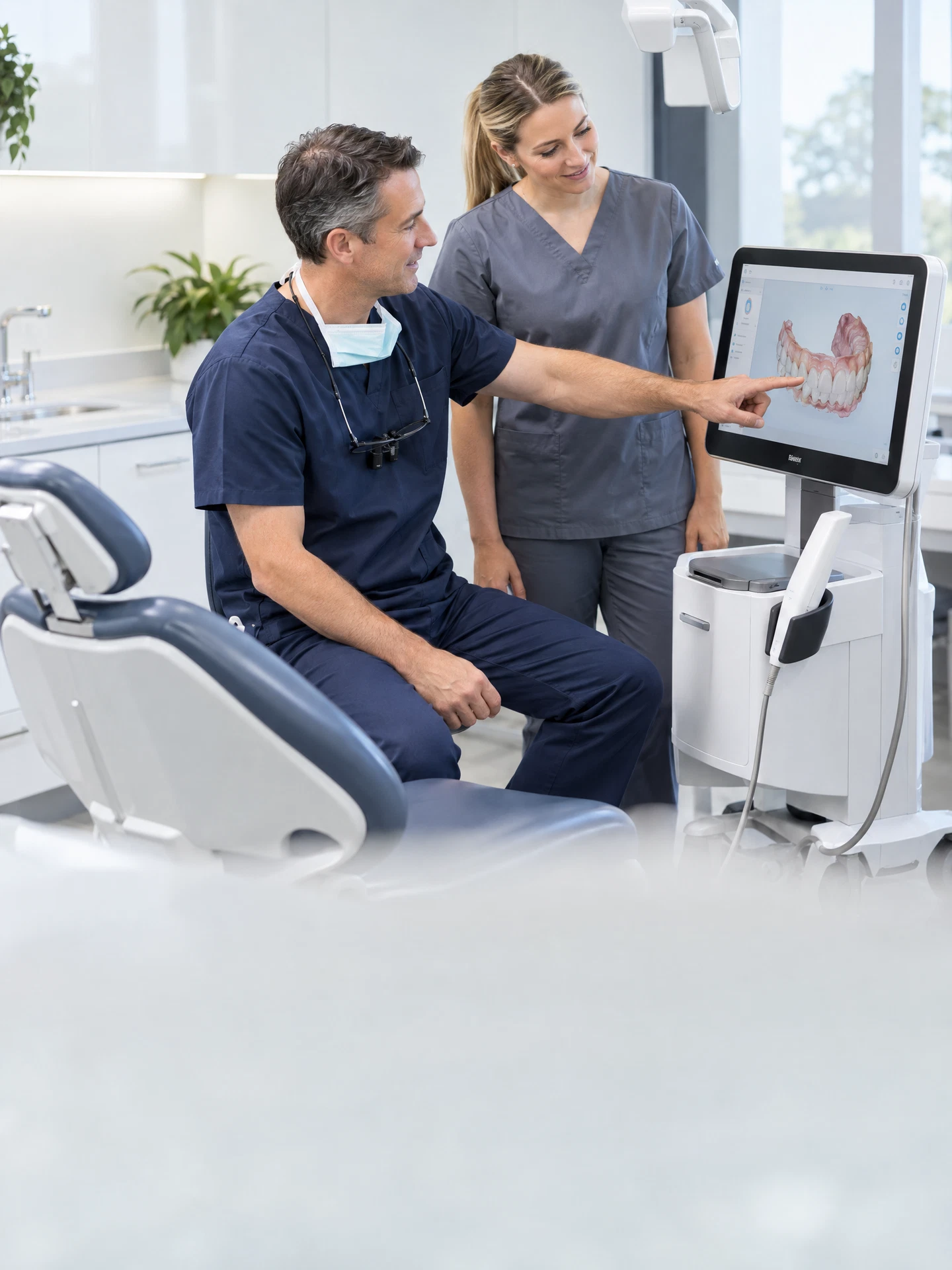
Practice software, imaging workstations and appointment workflows need to work as one environment. Consider dependable access, backups and support ownership while confirming the requirements of your clinical equipment and software providers.
List the systems used at reception, in surgeries and for imaging, including any equipment-specific software. Discuss connectivity and recovery priorities before changes are made. Clinical devices, patient-data obligations and software integrations need confirmation with their specialist providers; this perspective does not certify a practice's compliance.
Read perspectiveVeterinary practices

Consultations, reception and animal records depend on coordinated practice systems. Discuss access, business phones and recovery priorities so technology planning reflects the clinic's actual daily workflow rather than a generic office setup.
Map the practice applications, workstations and connected equipment used by reception and clinicians. Clarify specialist-provider responsibilities and which records would be needed during an outage. Any remote access, after-hours requirements or clinical software support should be explicitly agreed rather than implied by this example.
Read perspectiveCommunity pharmacies

Dispensing platforms, stock systems and counter connectivity have distinct support responsibilities. Consider the surrounding network, staff access and recovery arrangements while keeping specialist pharmacy software support clearly defined.
Begin with an inventory of counter devices, stock systems and connections required by your software providers. Discuss what can be supported as business infrastructure and what remains with the dispensing-system vendor. Confirm sensitive-data, regulatory and operational requirements with the appropriate qualified advisers and providers.
Read perspectiveBuilding & construction

Office teams and people on site need practical access to plans, project records and communications. Consider remote working, shared documents and reliable business systems without assuming every job site has the same connectivity.
Discuss how project teams exchange drawings, variations and records between the office and sites. Identify which applications need access away from the office and how devices and permissions are managed. Site connectivity and on-site support arrangements must be assessed for the actual premises and agreed in scope.
Read perspectiveEngineering consultancies

Technical applications, large project files and collaboration deserve a coordinated infrastructure plan. Discuss workstation needs, shared access and recovery alongside the specialist software your engineers use every day.
Bring application requirements, project-file sizes and team locations into the first discussion. Separate general network and workplace support from specialist engineering software responsibilities. Confirm compatibility, licensing and recoverable project records before deciding between local, cloud or hybrid working arrangements.
Read perspectiveManufacturing businesses

Administration, production information and warehouse systems may rely on different environments. Start with the business network, access needs and outage priorities, while keeping specialised production equipment outside any assumed generic support scope.
Identify the systems used for orders, stock, administration and production information. Understand where business IT connects to operational equipment and who supports each part. Industrial control, equipment safety and machinery-specific changes require their own specialist assessment; discuss business-system continuity without assuming those services are included.
Read perspectiveRetail shops & stores

Point-of-sale devices, stock information and business communications need dependable connections. Discuss the store's network and recovery options alongside payment and retail-platform provider responsibilities, rather than treating everything as one interchangeable service.
List counter devices, back-office applications and connections your retail and payment providers require. Consider multiple stores and what staff can do when a connection fails. Payment-platform compliance, terminal support and transaction recovery must be confirmed with the relevant providers, not inferred from a managed IT proposal.
Read perspectiveEcommerce & online retail

Online orders, fulfilment and customer communication span several systems. Consider staff access, integrations and business continuity while clearly distinguishing workplace support from the online store and marketplace platforms themselves.
Map the systems connecting orders, fulfilment, customer enquiries and your team. Identify who owns each integration and what information needs a recoverable copy. Website development, marketplace availability and payment services should have explicitly defined owners rather than being assumed to sit within business-network support.
Read perspectiveCafes & restaurants

Bookings, point-of-sale systems and office tasks place different demands on a venue's technology. Discuss staff networks, connectivity and support ownership while confirming the role of hospitality-platform and payment providers.
Consider counter devices, bookings, business phones and any separate guest connection requirements. Identify the systems a venue needs during service and which suppliers support them. Network design, specialist applications and any service-level commitments should be confirmed for the premises rather than assumed from a general business package.
Read perspectiveHotels & accommodation

Reception, booking systems and guest connectivity serve different purposes. Bring the property's business network, staff access and recovery priorities into one plan while keeping accommodation-platform and guest-service requirements clearly defined.
Map reception workstations, property-management applications and network requirements across the premises. Discuss separation of staff and guest access and what happens during an outage. Integration with booking services, specialised building systems and support outside ordinary operating hours requires explicit confirmation in scope.
Read perspectiveEducation & training providers

Staff, trainers and learners may need different access to shared tools. Consider classroom connectivity, workplace systems and recoverable learning resources, with clear ownership of learning-platform support and account management.
Discuss where teaching and administration take place, which devices are shared and who manages learner accounts. Separate workplace IT requirements from content delivery and learning-management platform responsibilities. Confirm privacy, safeguarding and any sector-specific obligations with the relevant qualified advisers before selecting a technical scope.
Read perspectiveTransport & logistics

Dispatch, warehouse records and people working away from the office depend on connected information. Discuss access, communications and recovery priorities alongside the specialist systems used to track orders and deliveries.
Map the flow of information between administration, dispatch and the warehouse. Identify scanners, workstations and remote users, plus who supports the transport or warehouse platform. Mobile coverage, equipment integrations and operational response arrangements should be assessed and agreed for the actual business environment.
Read perspectiveAutomotive workshops

Bookings, workshop records and diagnostic systems need different kinds of support. Discuss the business network, shared information and recoverable records while keeping vehicle-specific equipment and software responsibilities with their confirmed providers.
List the systems used for bookings, customer records, invoicing and workshop diagnostics. Clarify which depend on local connectivity and which are vendor-managed. Specialist diagnostic equipment, vehicle software and warranty-related procedures should not be assumed to fall within ordinary workplace IT support.
Read perspectiveMarketing & creative agencies

Creative files, client projects and distributed teams need coordinated access. Consider storage, collaboration and recovery alongside the design applications and cloud platforms your agency relies on, without splitting ownership across unrelated suppliers.
Discuss file sizes, client-sharing arrangements and where the team works. Identify the applications and storage platforms already in use and what must be recovered if a device fails. Creative production, campaign platforms and website development remain separate responsibilities unless specifically included in the agreed proposal.
Read perspectiveBusiness consultancies

Consultants often move between client sites, home and the office. Discuss secure access to project information, reliable communications and backup so the technology plan reflects mobile professional work rather than a fixed-desk assumption.
Map the documents, applications and meeting tools used for client engagements. Clarify how access is controlled when people work away from the office and which client requirements affect your environment. Confirm data-sharing arrangements and specialist application responsibilities before recommending changes to workplace access.
Read perspectiveRecruitment & staffing

Candidate records, client communications and recruitment platforms need controlled access. Coordinate workplace tools and continuity requirements while keeping the applicant-tracking provider's responsibilities and personal-information obligations clearly identified.
Discuss how staff access candidate information and communicate with employers across locations. Identify the recruitment platforms, document stores and business phones in use. Retention, privacy and platform-specific functionality must be confirmed with the appropriate advisers and providers rather than assumed to be covered by a network change.
Read perspectiveInsurance brokers & advisers

Policy records, client communication and specialist platforms should be considered as one working environment. Discuss access and recovery priorities while confirming professional obligations and keeping insurance-platform responsibilities separate from general IT support.
Map the platforms and records used across advice, administration and client communications. Define authorised access and which information is needed if a device or connection becomes unavailable. Regulatory obligations, platform integrations and record-retention requirements must be confirmed with qualified advisers and the relevant software providers.
Read perspective