One connected discussion
Phones, internet services and the underlying network can be considered together instead of being treated as unrelated vendor conversations.
Connect your people with a business phone system and connectivity plan that considers cloud or on-premises PBX, extensions, call flows, IP phones and the network underneath.
A considered discussion begins with the environment you have today.
Business Phone Systems, with clear scope and ownership.
Your workplace, systems and operating requirements are the starting point for a useful technology discussion.
This page does not state that vCloud has a local office, a daily local roster or pre-confirmed on-site availability. Suitability and any delivery arrangements are confirmed after reviewing your requirements.
Business phone systems can run on-premises or in the cloud. The useful choice depends on your users, locations, network and the way calls need to be handled.
Voice is no longer separate from the IT environment. These are the service decisions worth working through before changing a phone system or connectivity arrangement.
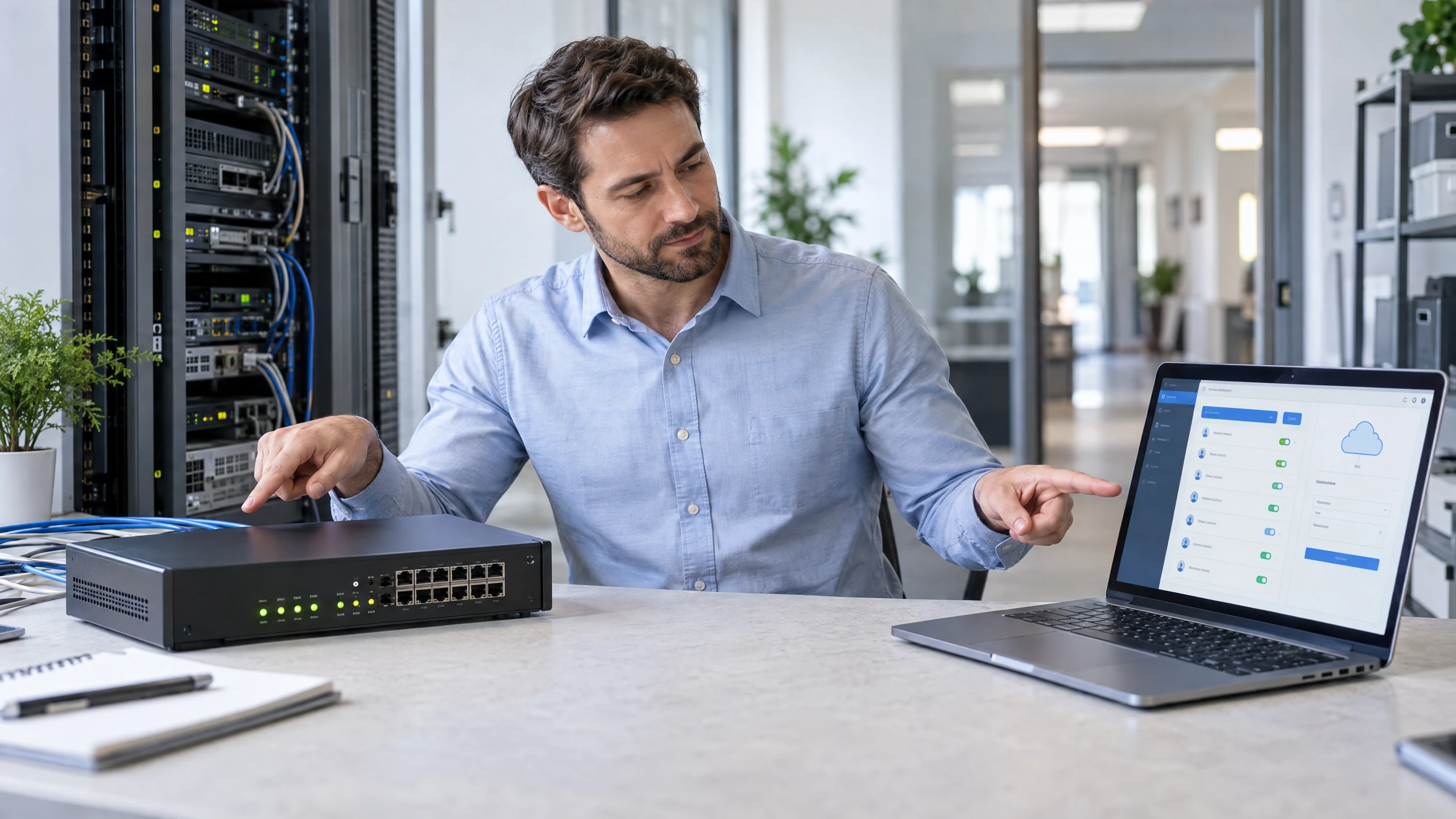
Compare where the phone system should run.
Phone systems can be deployed on-premises or in the cloud and managed according to the agreed requirements. The choice should reflect your locations, users and network context.Discuss this requirement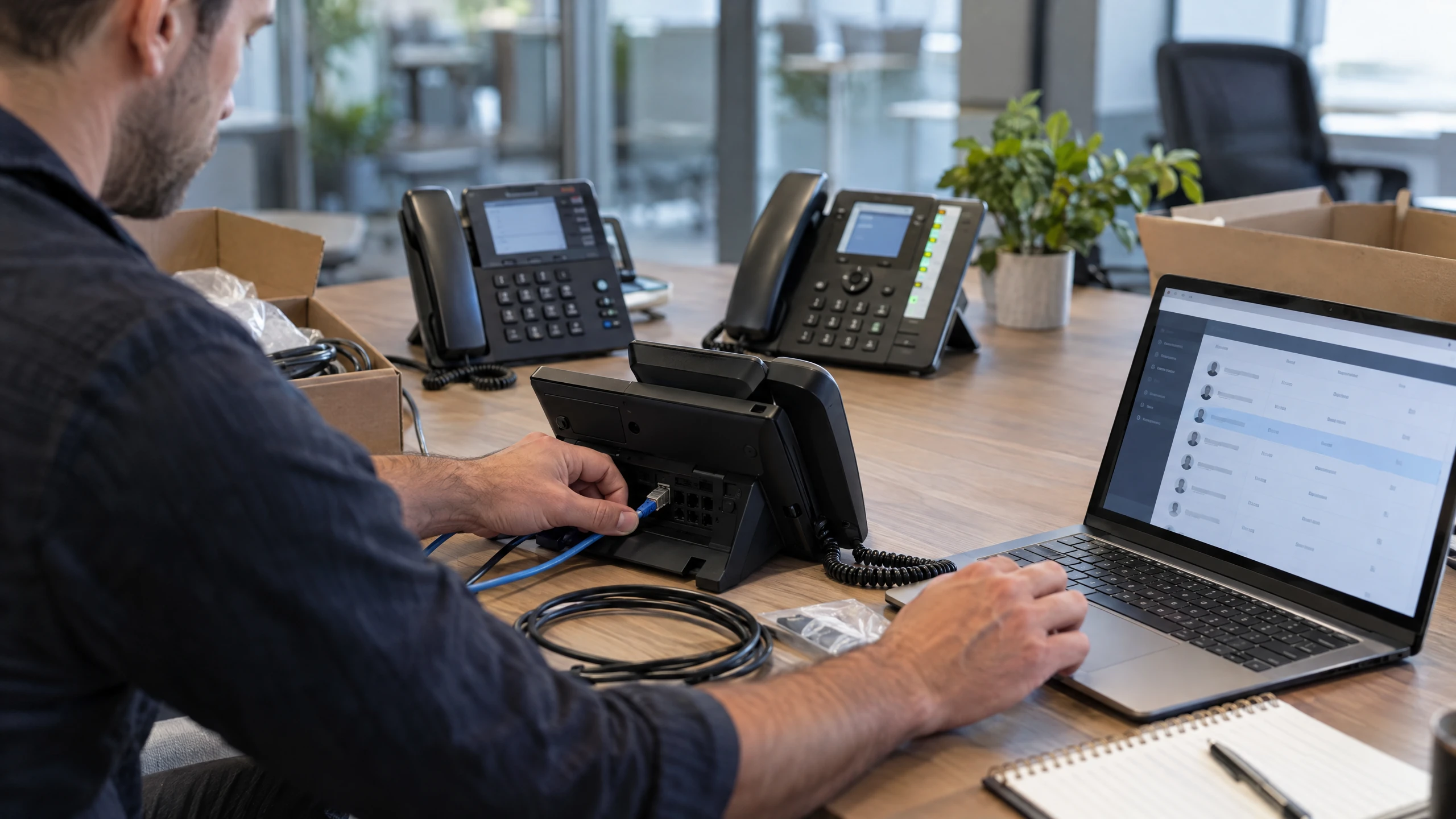
Organise users, devices and calling access.
Plan extensions, add or provision IP phones for users, and keep the system aligned with how staff actually work across the office or other locations.Discuss this requirement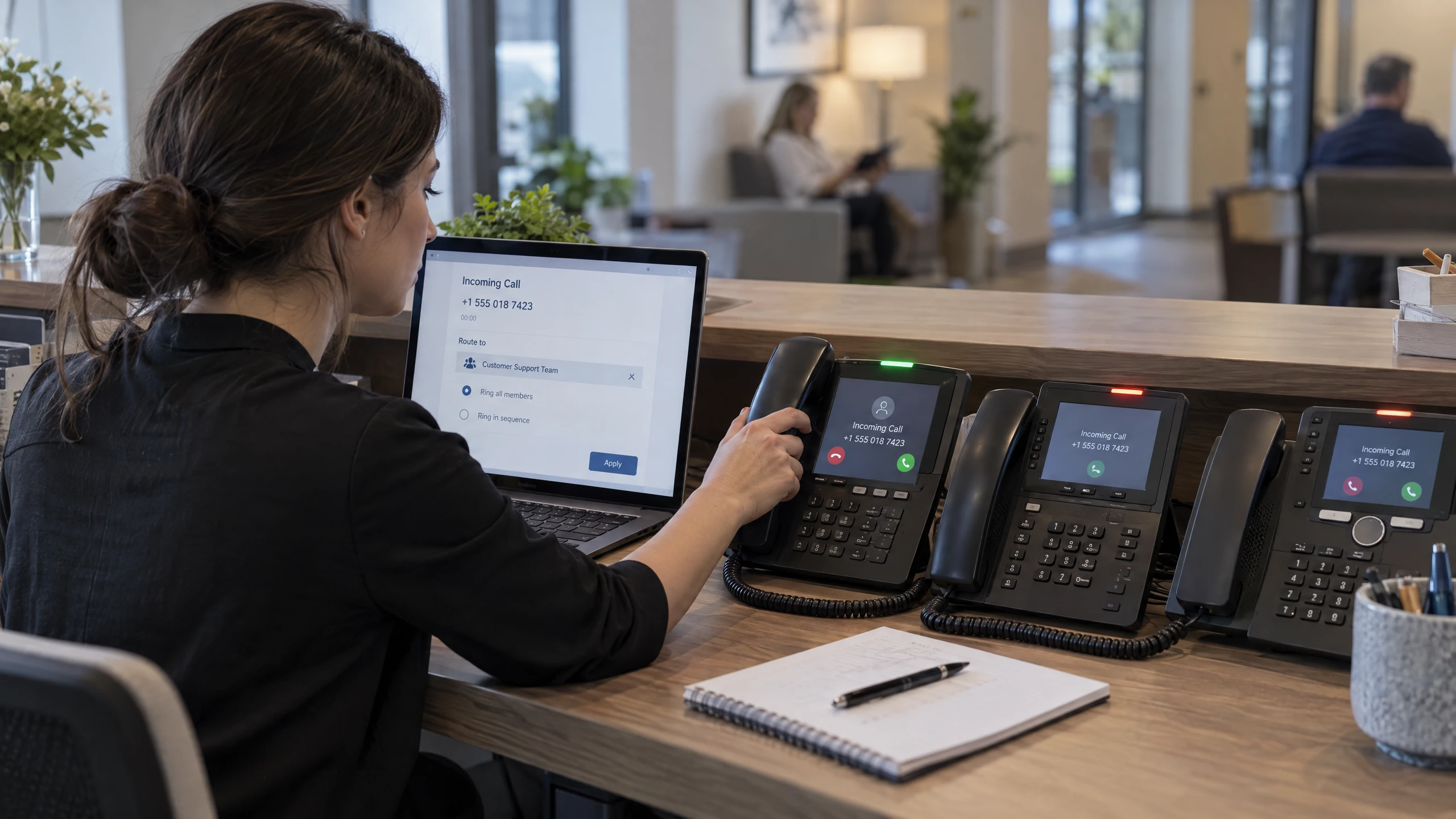
Shape how inbound calls reach your team.
Set rules for calls and ring groups so the intended people or teams can handle incoming calls without relying on ad-hoc forwarding arrangements.Discuss this requirement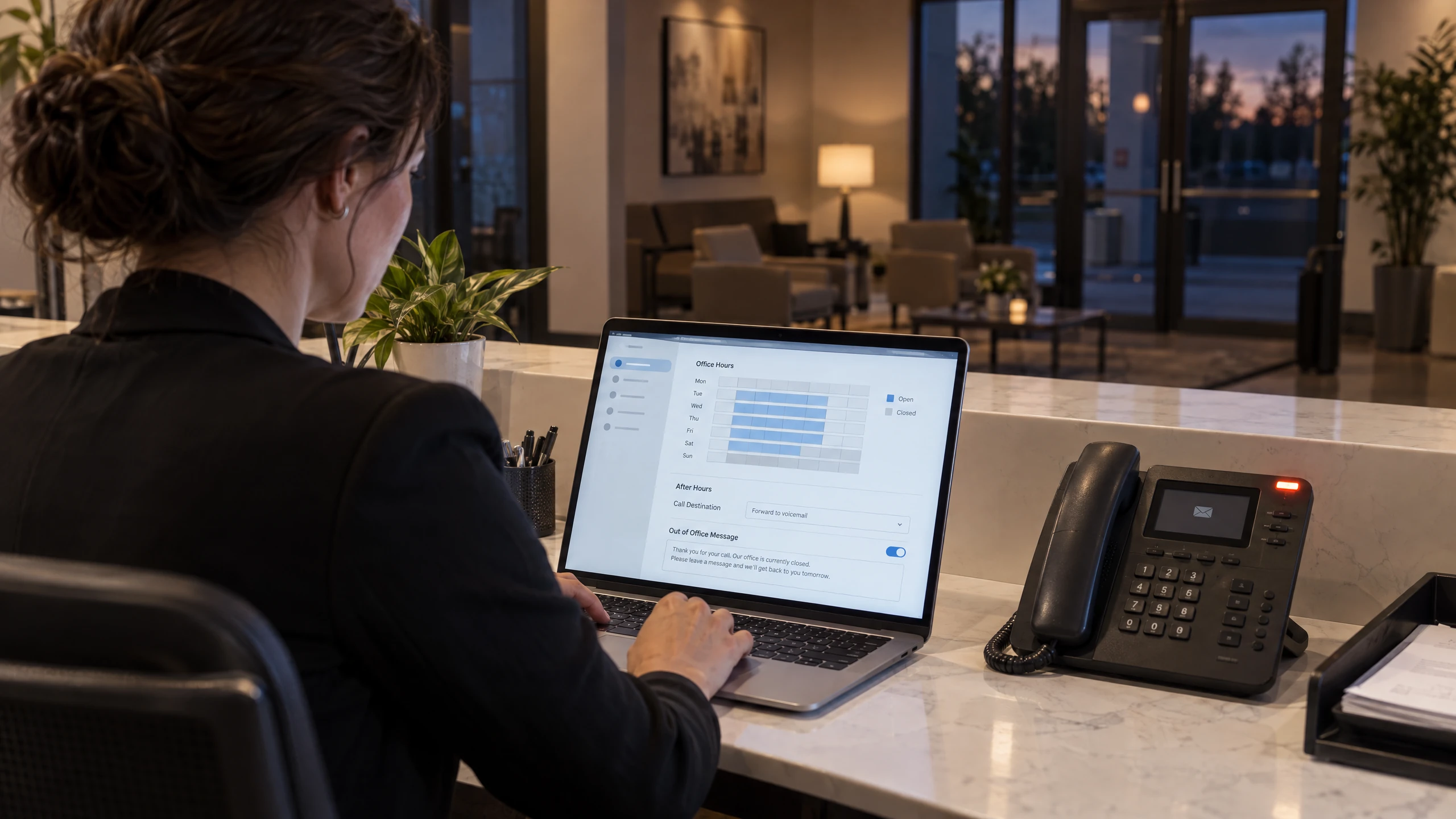
Reflect office hours and changing availability.
Configure call flows and out-of-office messages around the way your business operates, with the final behaviour agreed during the phone-system design.Discuss this requirement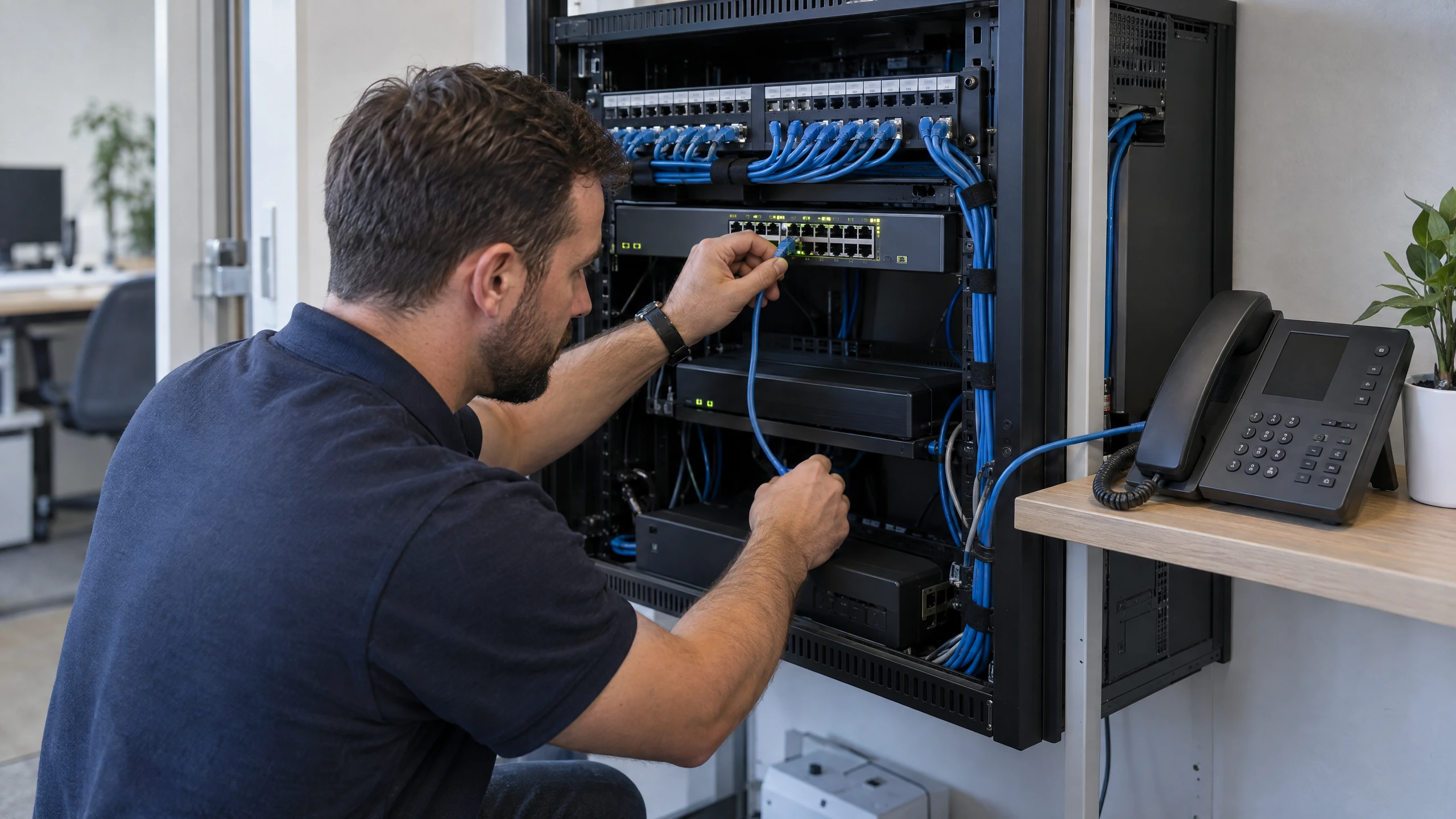
Include the connectivity the voice service depends on.
Review internet services, cloud access and the surrounding network together because voice performance and administration do not sit entirely apart from connectivity.Discuss this requirement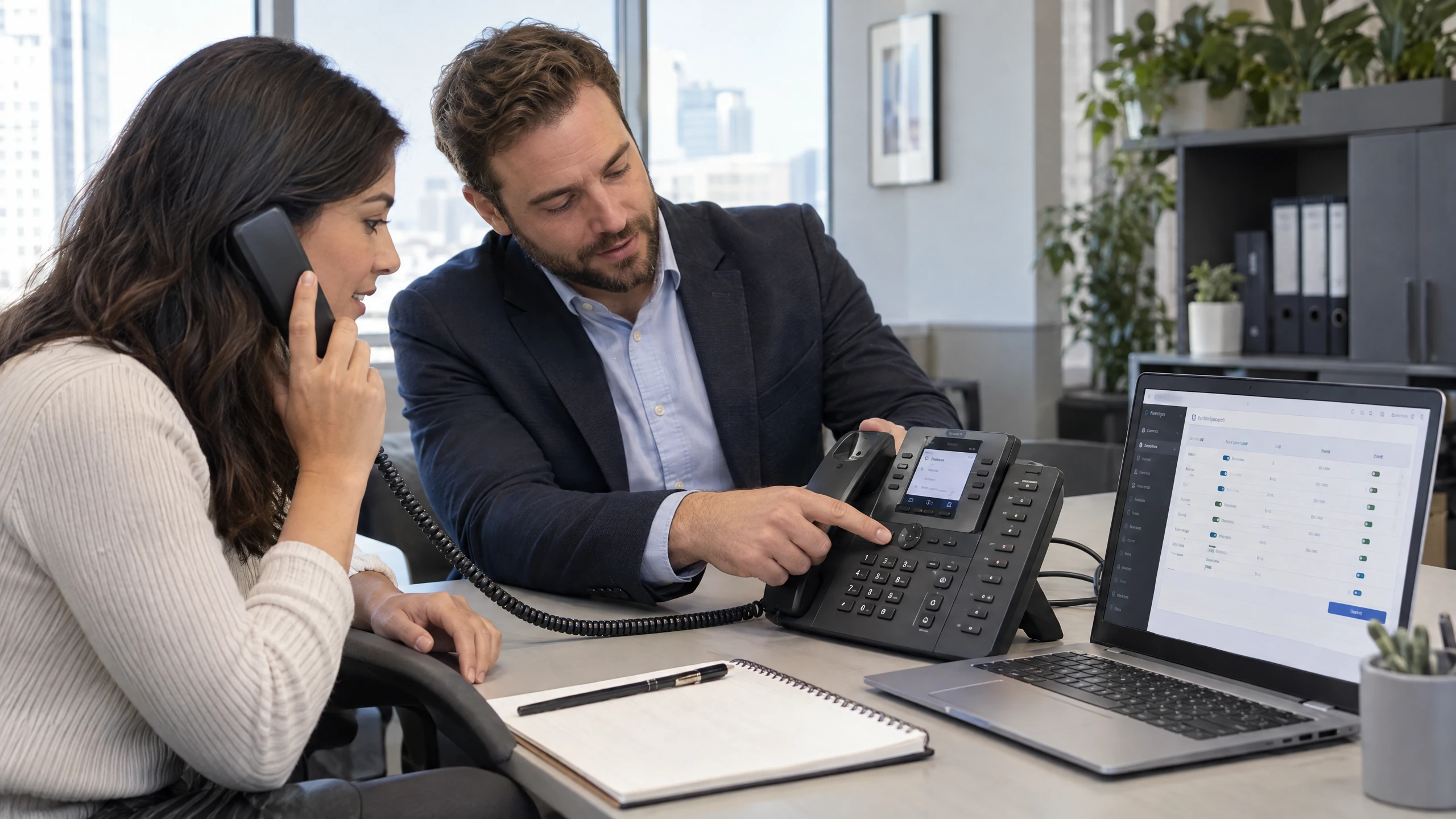
Make day-to-day changes understandable.
Where appropriate, the management console can support changes such as extensions, IP-phone provisioning, call rules and messages, with training or help-desk guidance discussed for your team.Discuss this requirementBring the detail that affects your people, systems and decisions into one practical discussion.
Phones, internet services and the underlying network can be considered together instead of being treated as unrelated vendor conversations.
Users, locations, extensions, call handling and availability shape the conversation, rather than assuming one phone configuration suits every organisation.
Defined extensions, ring groups, rules and call flows give your team a practical structure to review and maintain.
vCloud Group's broader cloud and managed-IT approach gives you a place to discuss voice, connectivity and related infrastructure together, with scope still confirmed up front.
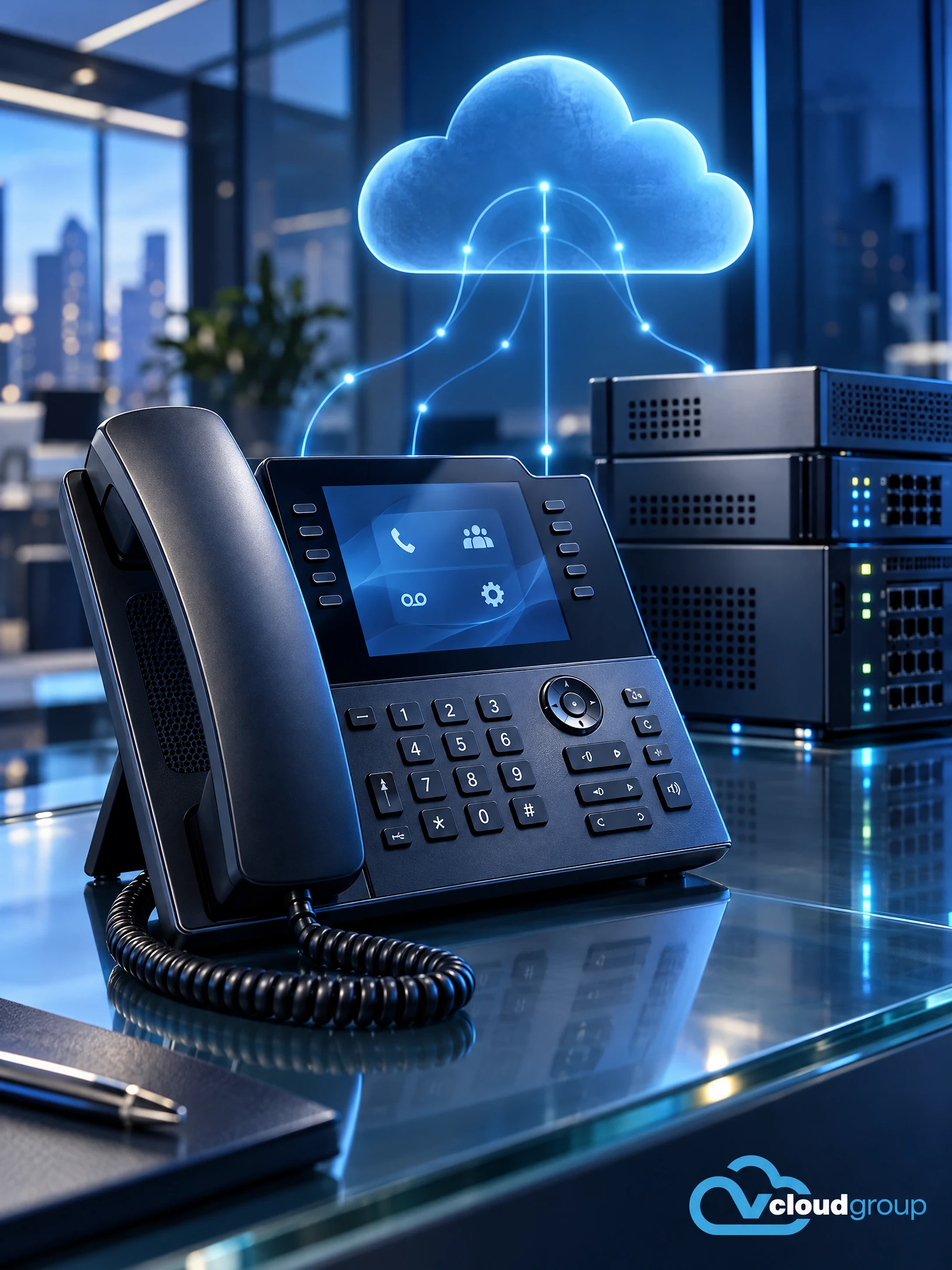
A business phone system is now closely tied to internet services, cloud access and the network supporting staff. vCloud's source service offering covers cloud PBX, multi-site cloud networks, internet services and cloud or on-premises environments, so the conversation can start with how your organisation communicates rather than with a disconnected handset list.
The architecture discussion should cover where the PBX runs, which users need extensions or IP phones, how calls should move through ring groups and call flows, and what connectivity exists at each location. If your requirements include remote access or multiple sites, those dependencies should be documented before a design is selected.
The appropriate arrangement is not established by this profile alone. Existing systems, premises, internet services, users and desired call behaviour need to be reviewed so the recommended scope is understandable and workable.
Different working environments bring different systems, rhythms and priorities into focus.

Consultants often move between client sites, home and the office. Discuss secure access to project information, reliable communications and backup so the technology plan reflects mobile professional work rather than a fixed-desk assumption.
Read perspective
Large design files, shared project information and collaboration across offices can place different demands on IT. Consider storage, remote access and recovery alongside the workstations and applications your design team relies on.
Read perspective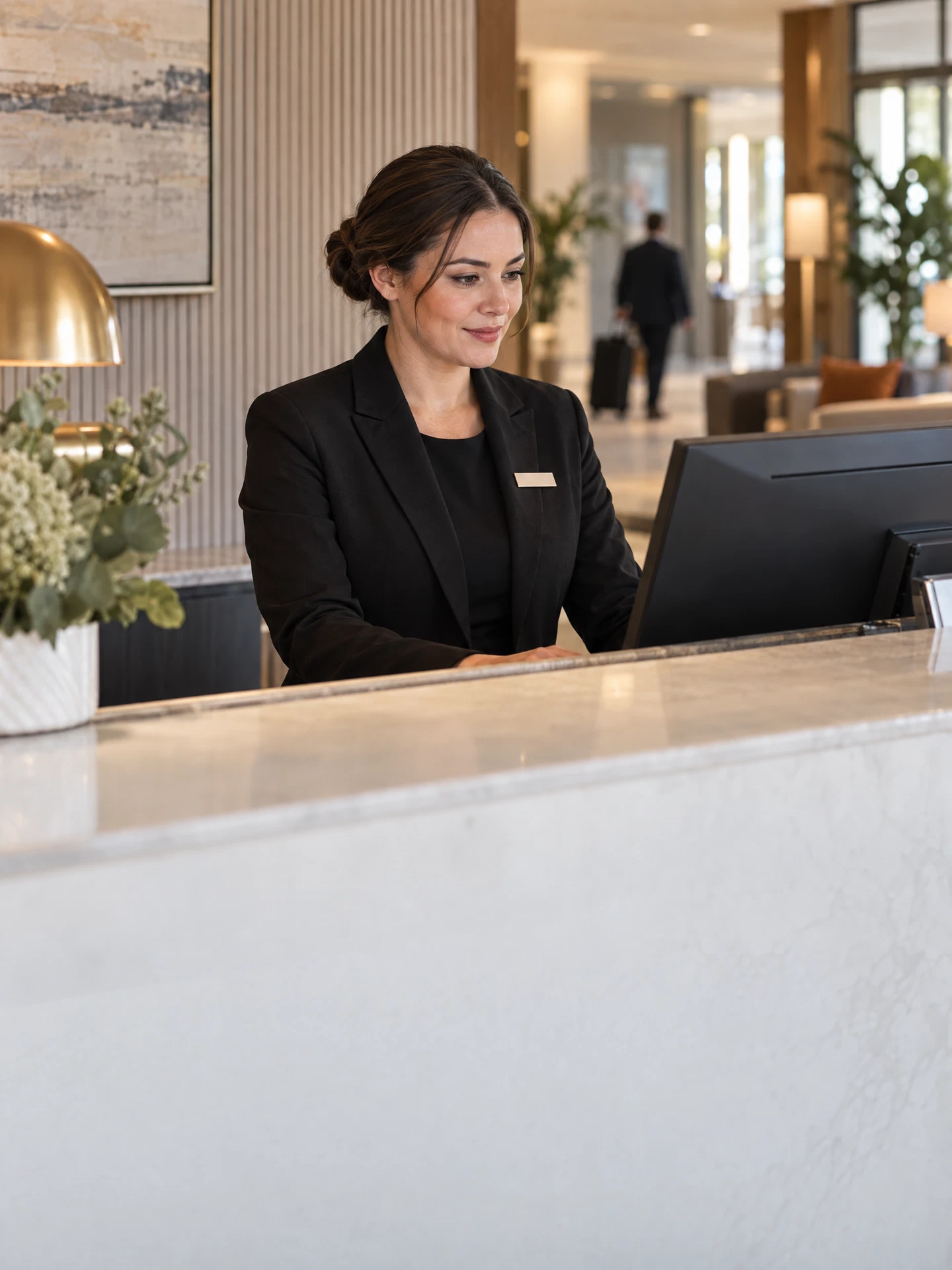
Reception, booking systems and guest connectivity serve different purposes. Bring the property's business network, staff access and recovery priorities into one plan while keeping accommodation-platform and guest-service requirements clearly defined.
Read perspectiveFeedback from our clients.
Yarra Accounting Group have been with vCloud for over 2 years. In that time we have embraced the true power of cloud computing and created a paperless, cloud accountancy firm. As our time is spent working from client sites, the traditional office was unnecessary. The office simply housed our technology… but no more!
This service is about voice architecture and connectivity: PBX placement, extensions, IP phones, call rules, ring groups, messages and call flows. It is different from general managed IT, which may cover desktops, servers and broader network administration, and from cybersecurity, which addresses protection and threat controls.
It also differs from business continuity and backup planning. A phone system can contribute to how people communicate during disruption, but continuity work must separately establish recovery priorities and the systems the organisation needs to keep operating.
Support can be discussed through the wider vCloud environment, including remote guidance or agreed hands-on work where relevant. Coverage in Mount Evelyn, on-site arrangements, response expectations and any third-party dependencies require confirmation in the proposal; this page makes no local service-level promise.
Remote support for Business Phone Systems lets your team discuss service questions and issues without assuming an office visit is needed.
We can discuss remote access, the issue or requirement, and the information needed to investigate it safely.
If hands-on work may be appropriate, on-site feasibility, coverage, timing, scope and access are confirmed before a booking is made.
Remote access, scope and timing can be confirmed when you contact us.
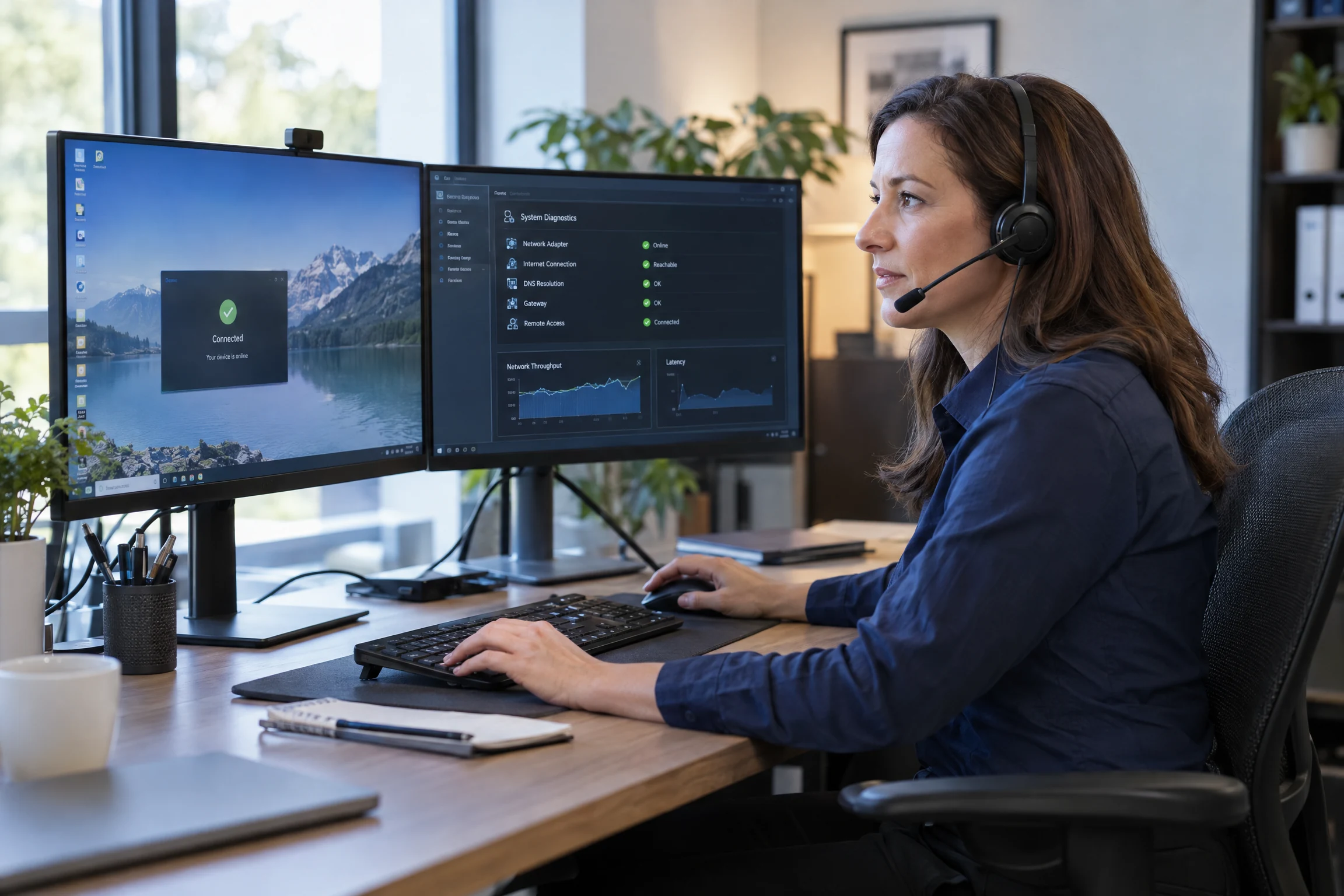

Where hands-on work may be appropriate for your Mount Evelyn workplace, on-site feasibility is confirmed before booking.
Coverage, timing, scope and access are confirmed before booking; this does not represent a local office, daily engineer presence or guaranteed appointment timing.
Whether the hand-off starts remotely or on site, the discussion can stay focused on the work in front of your team.
Coverage, timing, scope and access can be confirmed when you contact us.
Visits focus on your Business Phone Systems requirements. The work, responsibilities and ongoing support are agreed with your team.
Tell us what you need. We’ll help you understand the options and decide what comes next.
Use the enquiry form to tell us about your requirements.
Share the issue you’re facing, what you want to improve and any systems already in place.
We discuss your current setup, the people it needs to support and any practical requirements.
We explain suitable options and discuss the scope so you can decide how to proceed.
Straightforward answers to help you understand your options.
The right choice depends on your users, locations, internet connection, existing equipment and how you want calls handled. We can assess cloud and on-premises options against those needs rather than assuming one approach is best.
Yes. We can help with extensions, IP phones, call rules and ring groups. We will agree the devices, changes and responsibilities for your phone system before work starts.
Yes. Call flows and out-of-office messages can be set up around your office hours and how callers should reach your team. We will confirm the required settings before making changes.
Cloud PBX and IP phones depend on your internet connection and the surrounding network. Reviewing them together helps identify capacity, reliability and any backup-connection needs; the carrier and connection arrangements are agreed separately.
Cloud phone systems and multi-site networks can support a design spanning more than one workplace. Each site needs to be reviewed for users, connectivity, call handling and compatibility with the existing systems.
Contact us with the premises and any equipment needing hands-on attention. We will confirm whether a visit can be arranged, along with travel, availability and what is included.
Tell us about your users, locations, current phone system, internet services and the call experience you want to improve. We can then discuss suitable scope, delivery arrangements and next steps without assuming a one-size-fits-all package.