
Clearer workload decisions
Understand which applications, systems and dependencies are actually part of the proposed cloud-compute conversation.
Plan cloud-hosted compute, workload access and migration dependencies for your Morning Bay business, with provider coordination and final scope confirmed before implementation.
A considered discussion begins with the environment you have today.
Cloud Computing, with clear scope and ownership.
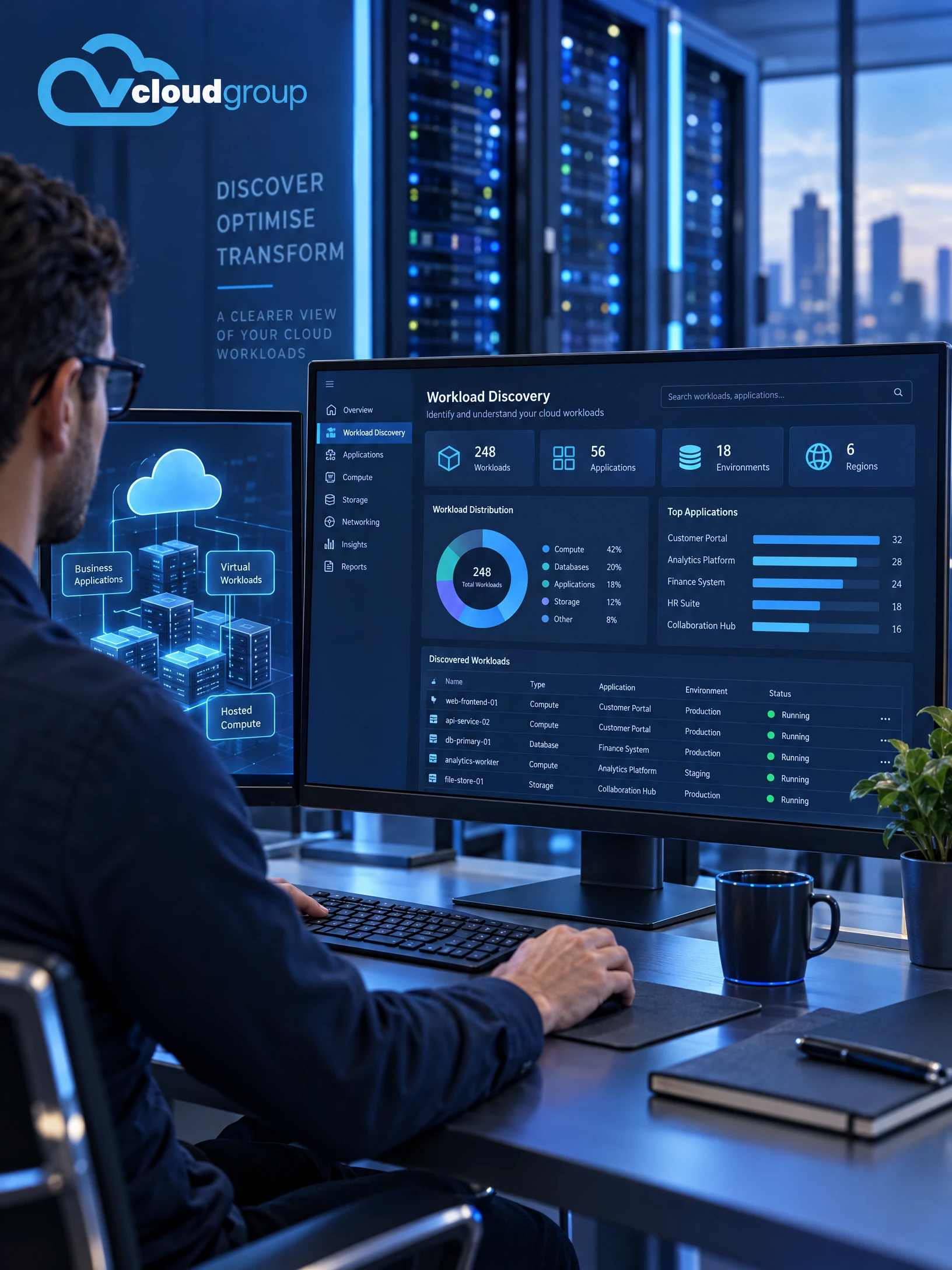
Cloud Computing architecture is about more than placing a server online. The proposed design should connect workloads with users, devices, identity, applications, data, network paths and the operational responsibilities around them. vCloud's public material describes cloud, hybrid and on-premises environments and an integrated approach; this profile narrows that conversation to hosted compute and its dependencies.
Resource sizing, workload placement, access routes and migration sequencing depend on the existing environment. Your organisation may need to account for premises, remote users, current servers, internet services and software providers. These are planning considerations, not a promise that a particular provider, region, platform, capacity or feature is included.
The final architecture, implementation method and any required provider coordination must be assessed and confirmed in the proposal. This profile does not establish service availability or imply that every cloud feature is included.
This draft profile focuses on hosted compute and the decisions around it. It does not imply every cloud feature, a particular provider, or a ready-made migration service; the proposed scope is confirmed for each environment.
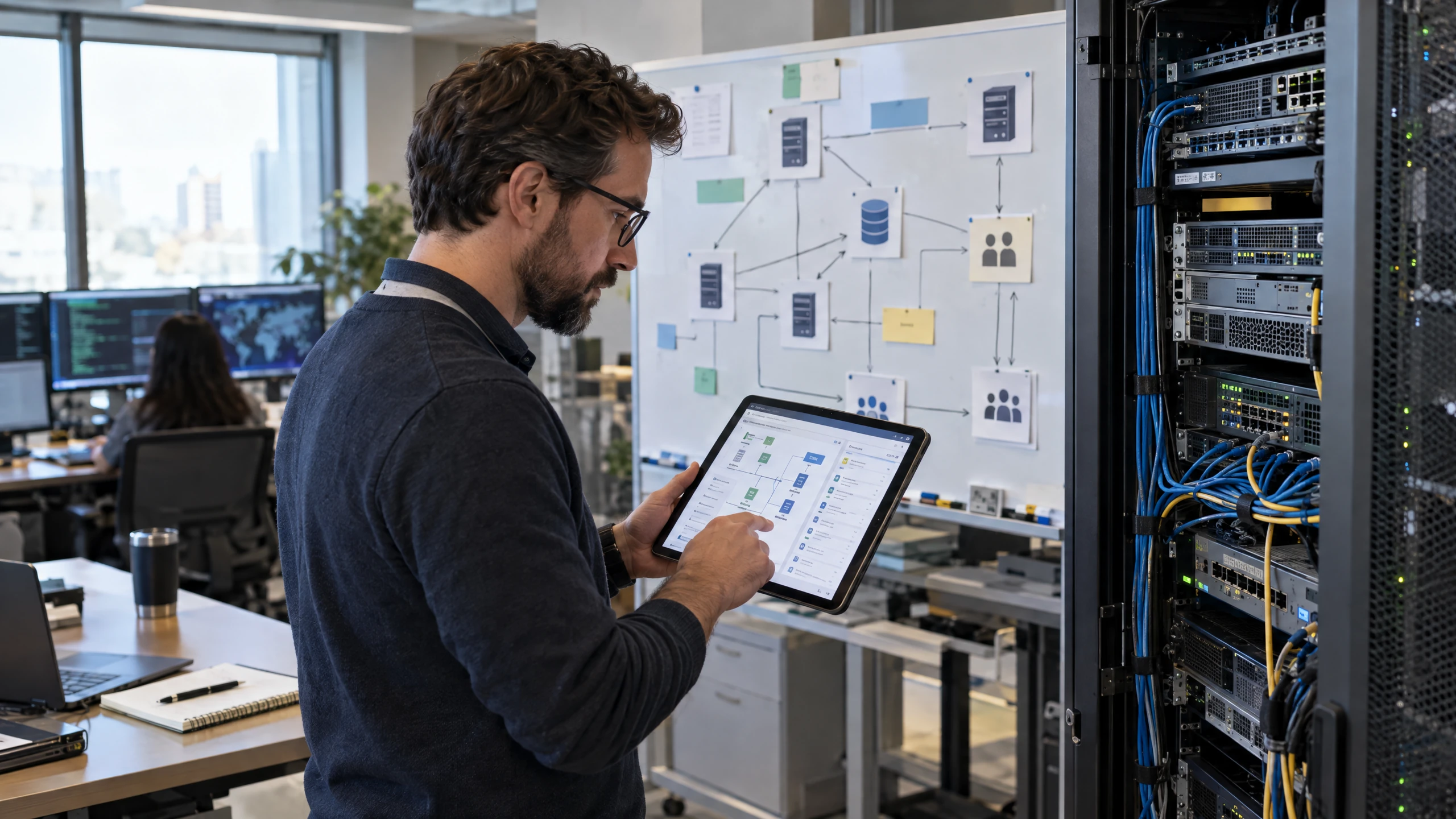
Map the applications, virtual servers and information your team depends on.
Review the current workload landscape, users, dependencies and operating context so a proposed cloud-compute design starts with the actual environment rather than a generic package.Discuss this requirement
Discuss the processing, memory, storage and connectivity resources workloads may require.
Resource sizing, performance expectations, growth assumptions and cost considerations can be documented as proposed planning inputs. Final capacity and provider selection must be confirmed for the workload.Discuss this requirement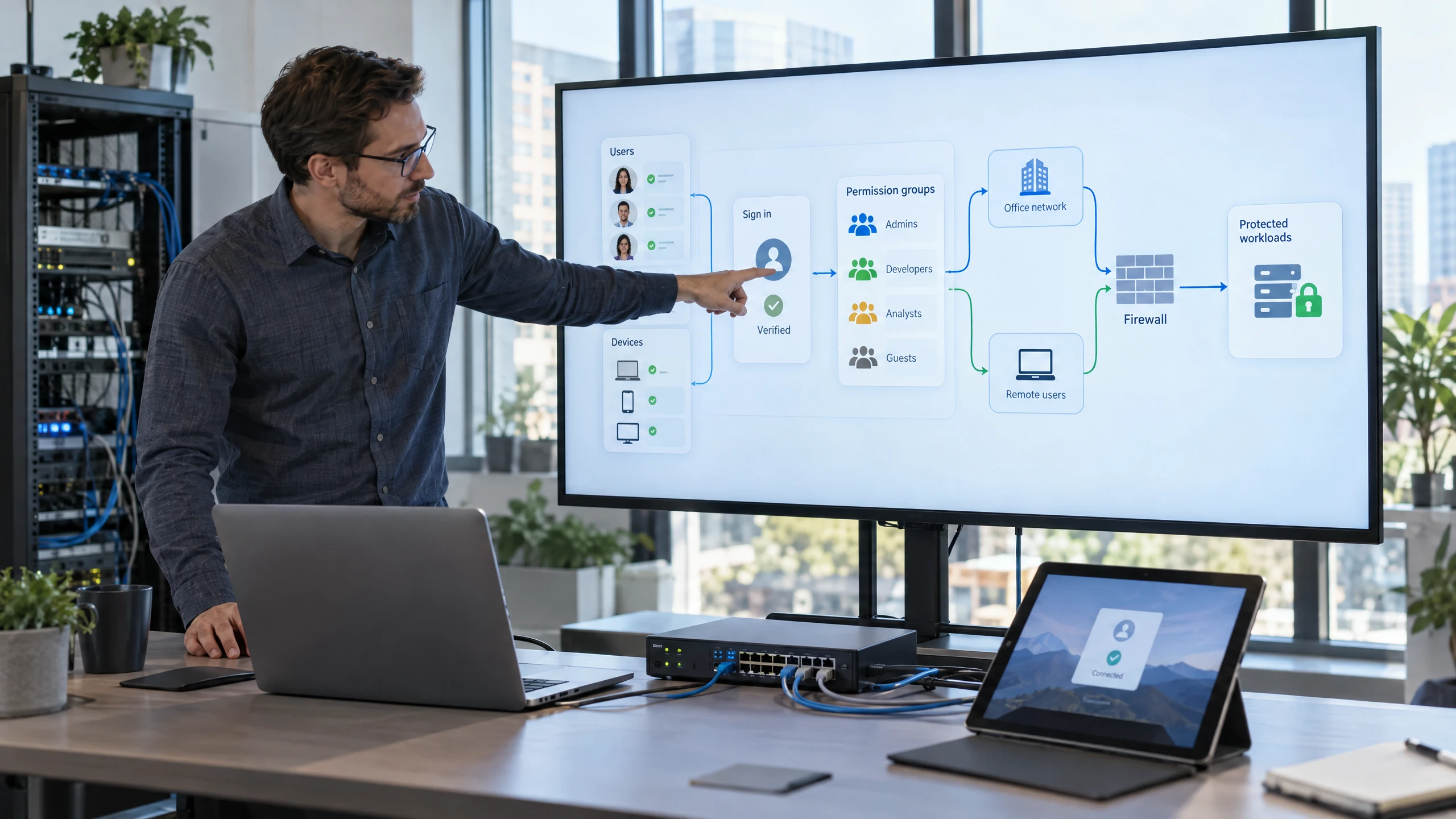
Plan how authorised users and systems will reach hosted workloads.
Consider users, devices, offices, remote access, identity and network paths together. The proposed access controls and connectivity approach require confirmation and are not an automatic inclusion of this profile.Discuss this requirement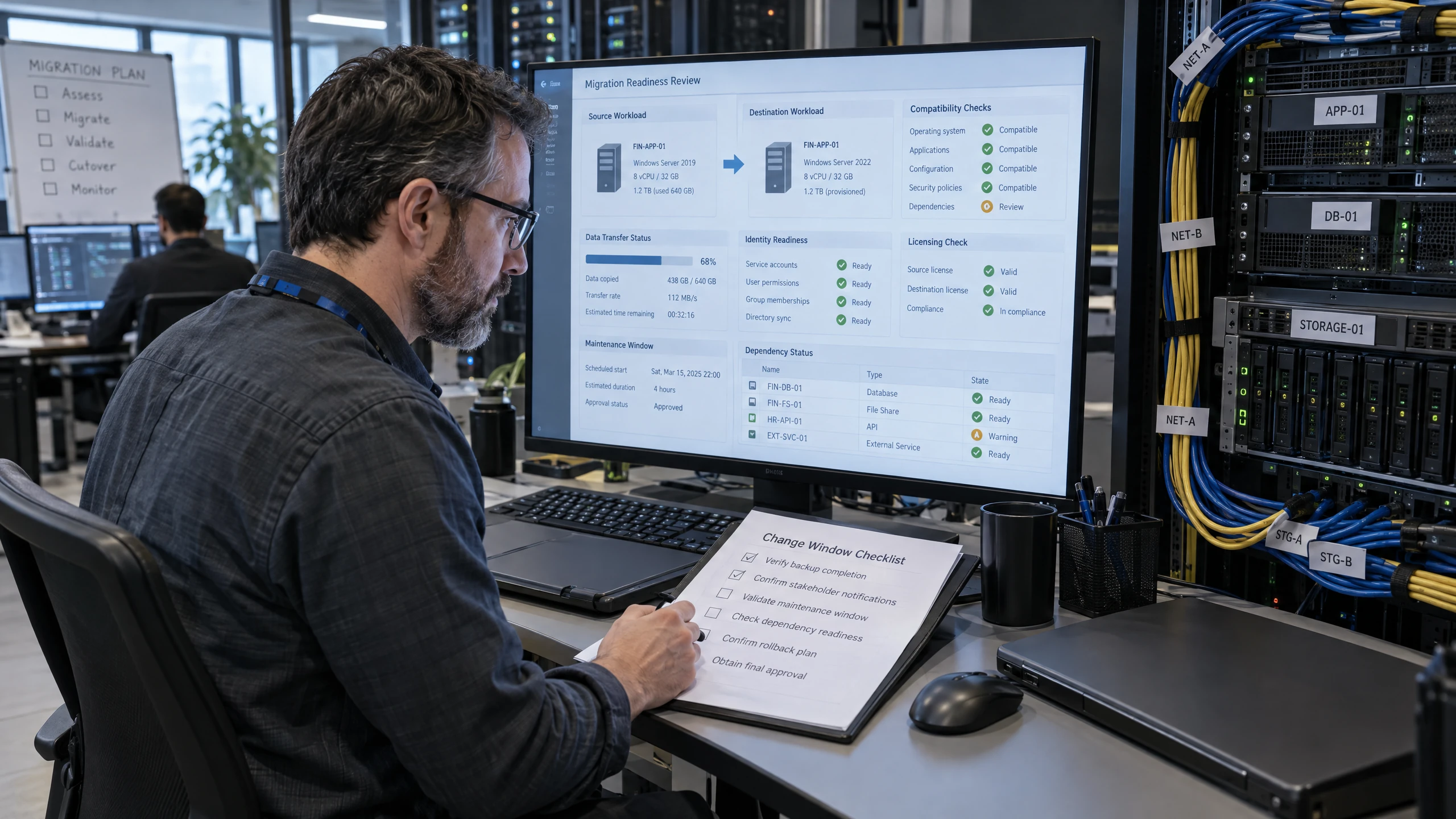
Identify what must be ready before a workload can move or be changed.
Review application compatibility, data movement, identity, network, licensing, maintenance windows and operational dependencies. A migration sequence is proposed only after the relevant facts and responsibilities are confirmed.Discuss this requirement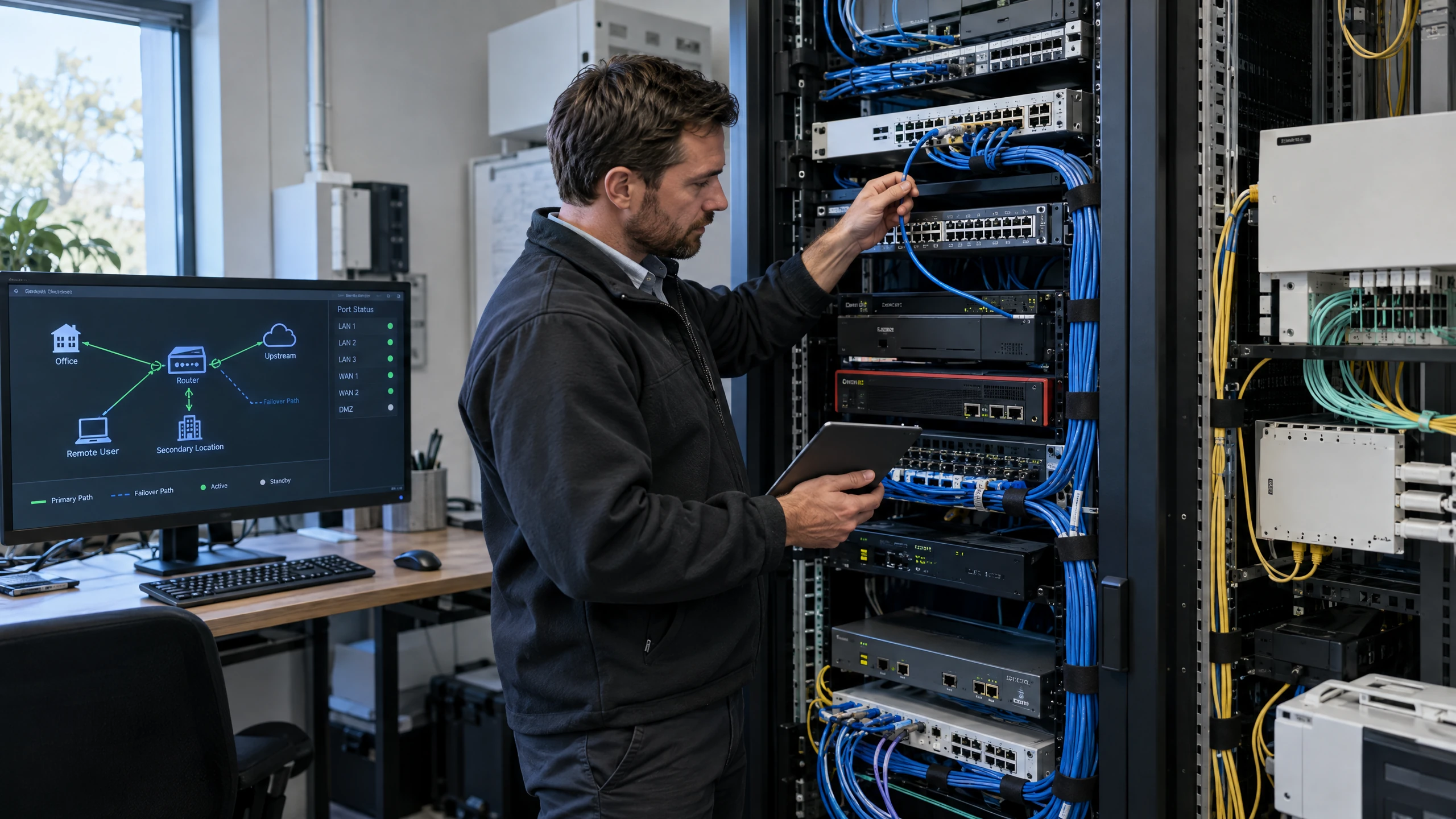
Connect the workload plan with the network and internet services it relies on.
Cloud workloads may depend on office networks, remote users, multiple locations or upstream internet providers. The required connectivity design and any fail-over or provider work must be confirmed separately.Discuss this requirement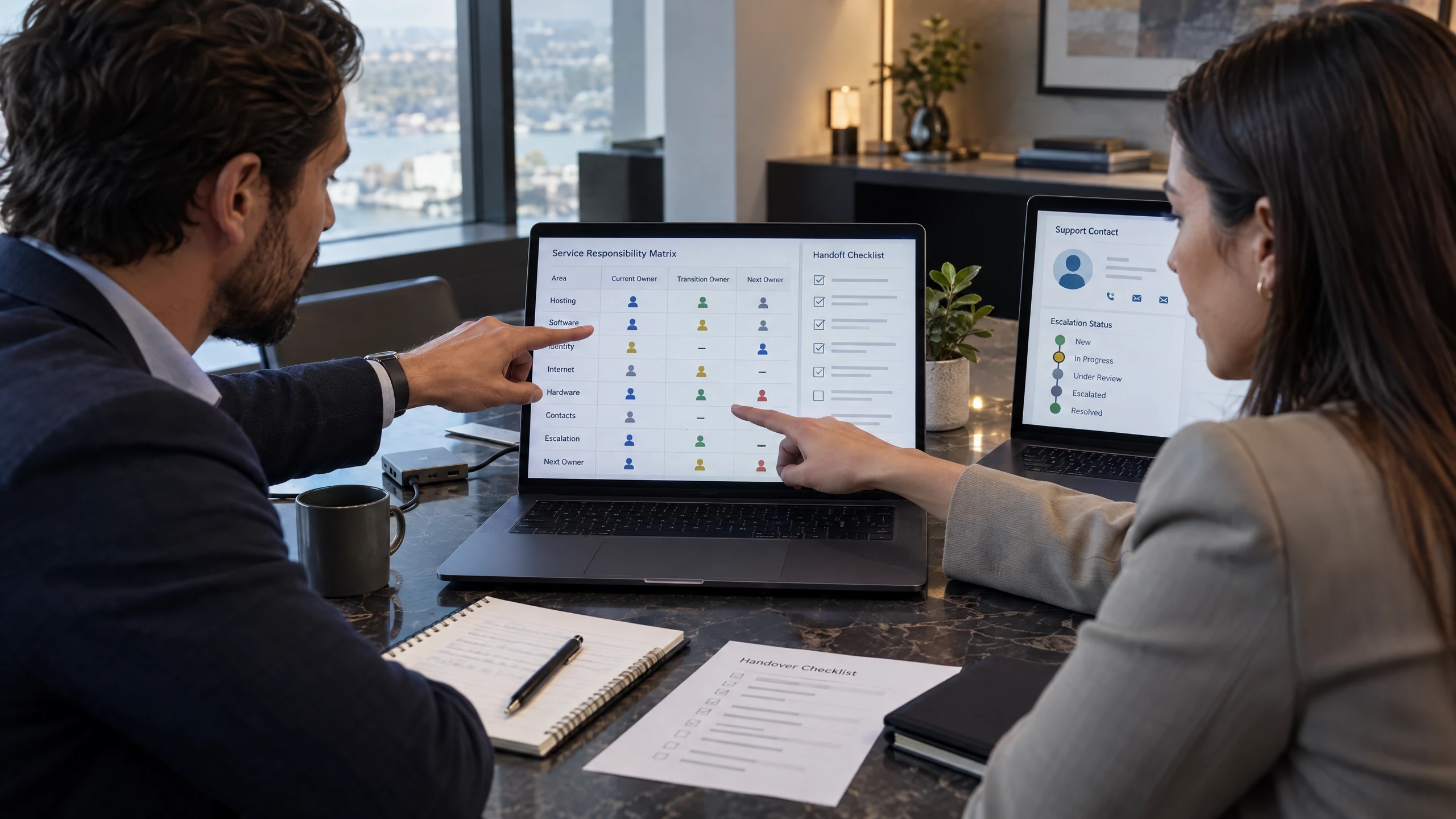
Clarify responsibilities when a workload crosses vCloud and other provider boundaries.
Where software, internet, hardware, identity or hosting providers are involved, document the information and ownership needed for the proposed work. Coordination does not guarantee another provider's outcome or establish a partnership.Discuss this requirementYour workplace, systems and operating requirements are the starting point for a useful technology discussion.
This page does not state that vCloud has a local office, a daily local roster or pre-confirmed on-site availability. Suitability and any delivery arrangements are confirmed after reviewing your requirements.
Cloud computing starts with understanding the applications, virtual servers, data flows and users involved. For a business, the proposed compute scope, resource assumptions and operational dependencies should be confirmed before work begins.
The support conversation can cover workload planning, access dependencies, migration preparation and coordination where responsibility crosses providers. It is distinct from the broader Cloud Solutions profile, which addresses a connected cloud workplace, and from Azure-specific networking or any other provider-specific design.
Cloud Computing is also not automatically backup, business continuity, managed services, cybersecurity, application support or ongoing monitoring. Those adjacent services may be discussed where relevant, but their inclusions, testing, retention, response arrangements and service commitments must be confirmed separately.
For Morning Bay and NSW, remote or on-site delivery, access to systems, travel, provider participation and implementation availability require confirmation before relying on them. No resolution, recovery, uptime, SLA or migration outcome is guaranteed by this draft profile.
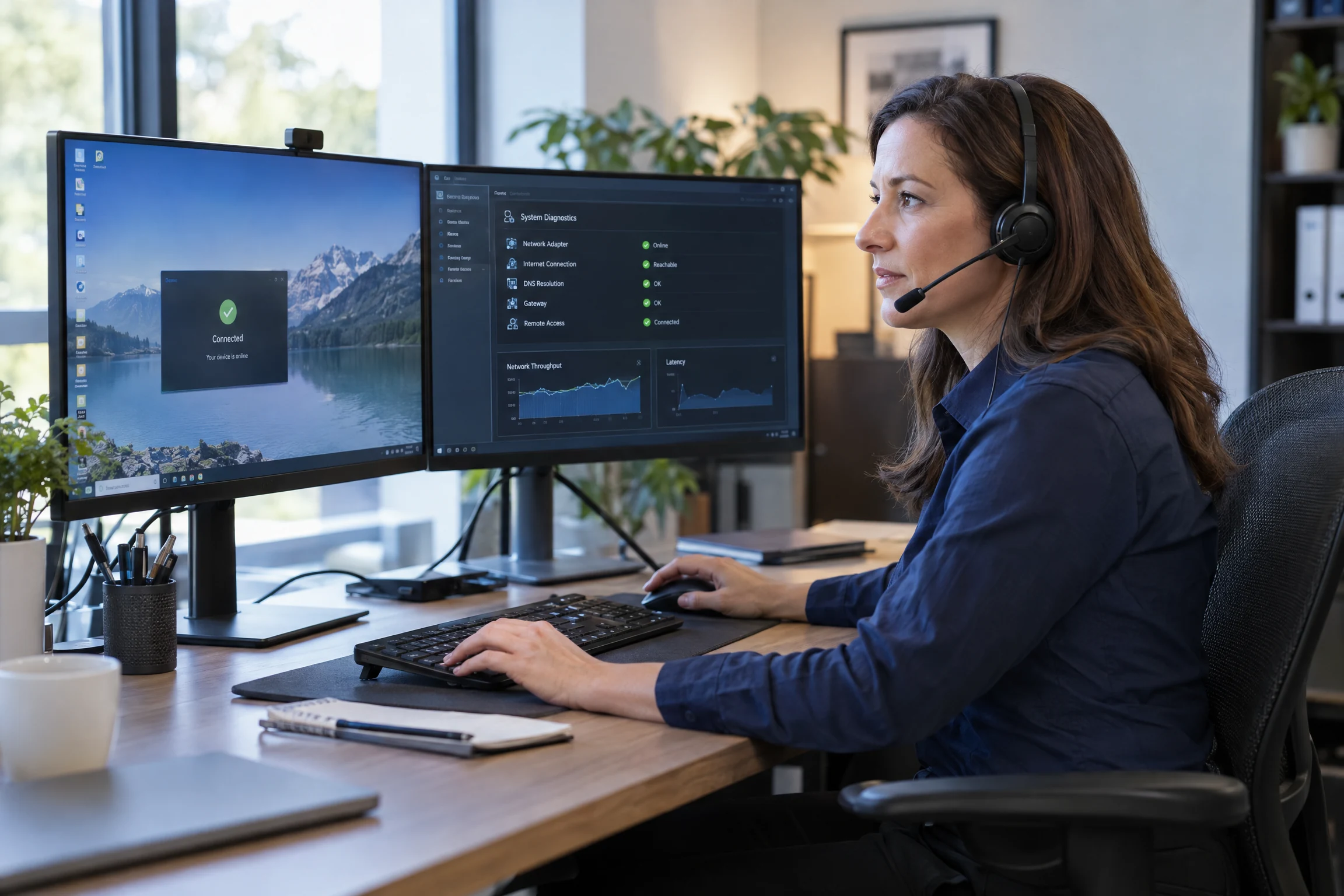
Remote support for Cloud Computing lets your team discuss service questions and issues without assuming an office visit is needed.
We can discuss remote access, the issue or requirement, and the information needed to investigate it safely.
The discussion can stay focused on your Cloud Computing setup, the issue you are experiencing and the access needed to investigate it remotely.
Remote access, scope and timing can be confirmed when you contact us.
Bring the detail that affects your people, systems and decisions into one practical discussion.
Understand which applications, systems and dependencies are actually part of the proposed cloud-compute conversation.
Surface access, compatibility, connectivity and provider dependencies before a migration sequence is agreed.
Use workload requirements and growth assumptions to frame proposed compute resources without assuming a particular platform or capacity.
Make responsibilities and handovers easier to discuss when cloud workloads rely on several systems or suppliers.
Feedback from our clients.
I consider myself very fortunate to be able to partner with Trevor and his team at vCloud to address all of my IT needs as well as keeping me proactively aware of technology changes to best protect my practice and my clients. Trevor is extremely passionate about providing best practice results.
Different working environments bring different systems, rhythms and priorities into focus.

Office teams and people on site need practical access to plans, project records and communications. Consider remote working, shared documents and reliable business systems without assuming every job site has the same connectivity.
Read perspective
Reception, booking systems and guest connectivity serve different purposes. Bring the property's business network, staff access and recovery priorities into one plan while keeping accommodation-platform and guest-service requirements clearly defined.
Read perspective
Candidate records, client communications and recruitment platforms need controlled access. Coordinate workplace tools and continuity requirements while keeping the applicant-tracking provider's responsibilities and personal-information obligations clearly identified.
Read perspectiveStraightforward answers to help you understand your options.
The discussion can cover hosted workloads, compute resources, user and system access, migration dependencies and coordination with other providers. The platform, implementation work and availability are confirmed for your environment before anything is agreed.
Cloud Solutions is the broader connected workplace conversation, which may include virtual networks, workplace access, voice and multi-site considerations. Cloud Computing focuses more narrowly on hosted compute, workload dependencies and migration planning.
This service does not promise a particular provider, region, platform, partnership or feature set. Compute resources, hosting, access controls and related services are proposed and must be confirmed in the agreed scope.
Migration preparation can include reviewing applications, data, identity, connectivity, licensing, maintenance windows, responsibilities and provider dependencies. Compatibility, timing, delivery arrangements and the migration sequence need to be assessed before a migration is agreed.
Not automatically. Backup, restoration, continuity planning, testing, retention and ongoing service arrangements are separate considerations that require their own scope and confirmation.
The possibility of a visit depends on your location, the work required and access to the systems involved. Availability, travel, provider involvement and what is included need to be confirmed before work is arranged.
Tell us what you need. We’ll help you understand the options and decide what comes next.
Use the enquiry form to tell us about your requirements.
Share the issue you’re facing, what you want to improve and any systems already in place.
We discuss your current setup, the people it needs to support and any practical requirements.
We explain suitable options and discuss the scope so you can decide how to proceed.
Tell us which workloads you are reviewing, how users access them, what environment exists today and which providers are involved. We can discuss a proposed planning scope and confirm whether the architecture, migration dependencies and delivery arrangements are suitable.