
A clearer recovery boundary
Document what the proposed copy is intended to protect and what remains outside scope, rather than treating the whole Google Workspace tenant as automatically covered.
Plan separately scoped, recoverable copies of agreed Google Workspace data for your Burton business, with coverage, export, restore and ownership arrangements confirmed before work begins.
A considered discussion begins with the environment you have today.
Google Workspace Backup, with clear scope and ownership.

The proposed architecture starts by separating the live Google Workspace tenant from a separately scoped copy or export arrangement. The design should identify data owners, source workloads, destination, access controls and dependencies, while avoiding an assumption that Google provides a native backup product or that a particular third-party platform is already selected.
Coverage must be tested against the organisation's actual use of Gmail, Drive, shared data, Calendar, Chat, Meet, Groups, Sites and other services. Each workload can have different export, metadata, permission and restoration behaviour, so the final scope should state what is included, excluded or still awaiting confirmation.
Google Vault is a retention, legal hold, search and export tool rather than a data archive; its retention rules and eDiscovery exports should therefore be considered a separate control from an independently recoverable backup copy. This distinction does not establish that any proposed backup arrangement is available or sufficient.
This is a proposed service profile for discussing an independently recoverable copy of agreed Google Workspace data. Coverage, tooling, credentials, destination, frequency, retention and restoration arrangements require confirmation in the scope.
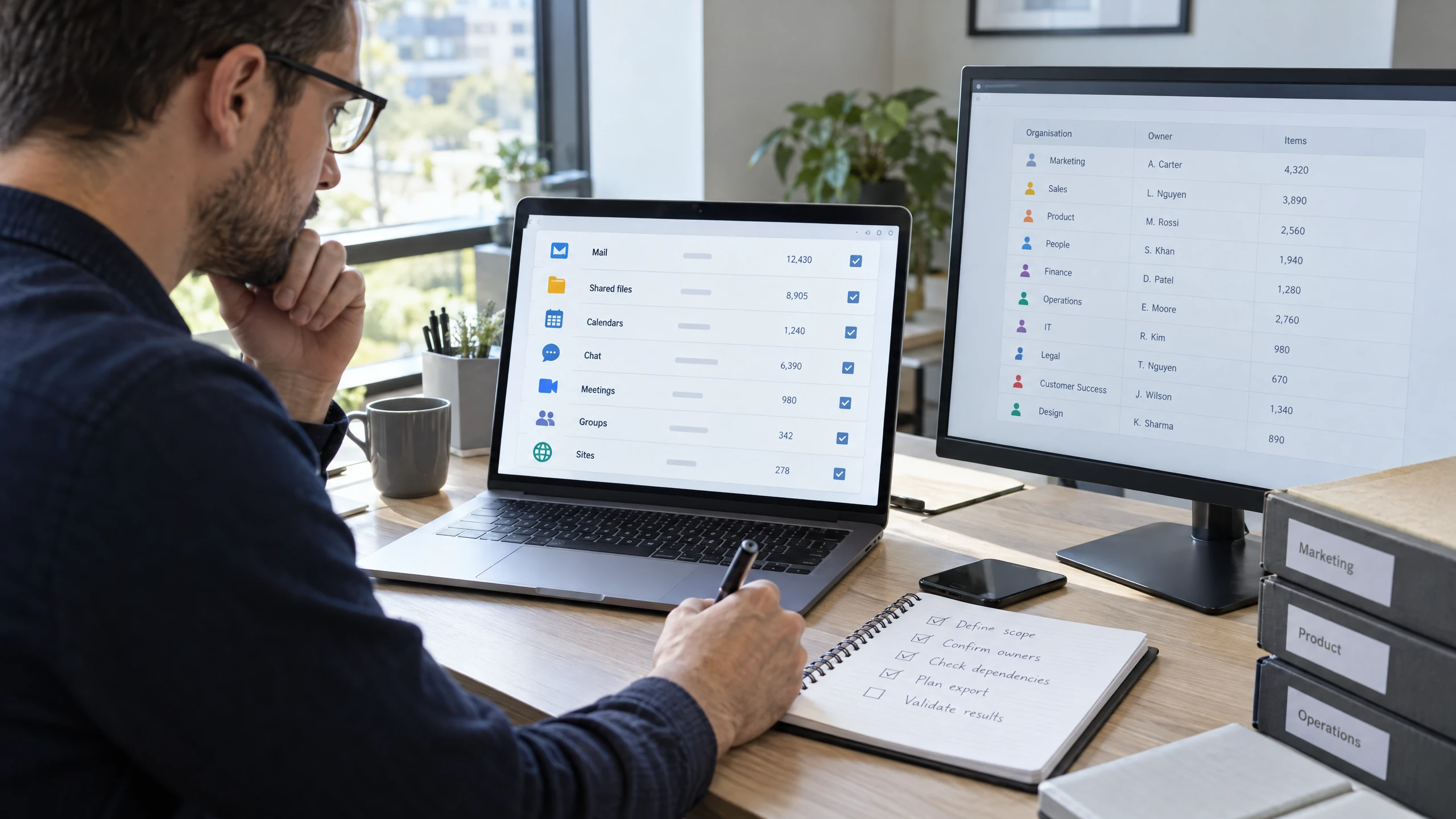
Identify which Google Workspace data sets should be considered for a separate recoverable copy.
Review the organisation's users, shared locations and business priorities, then document the proposed scope. Gmail, Drive, Calendar, Chat, Meet, Groups, Sites or other data must not be treated as included until the supported workload and required content are confirmed.Discuss this requirement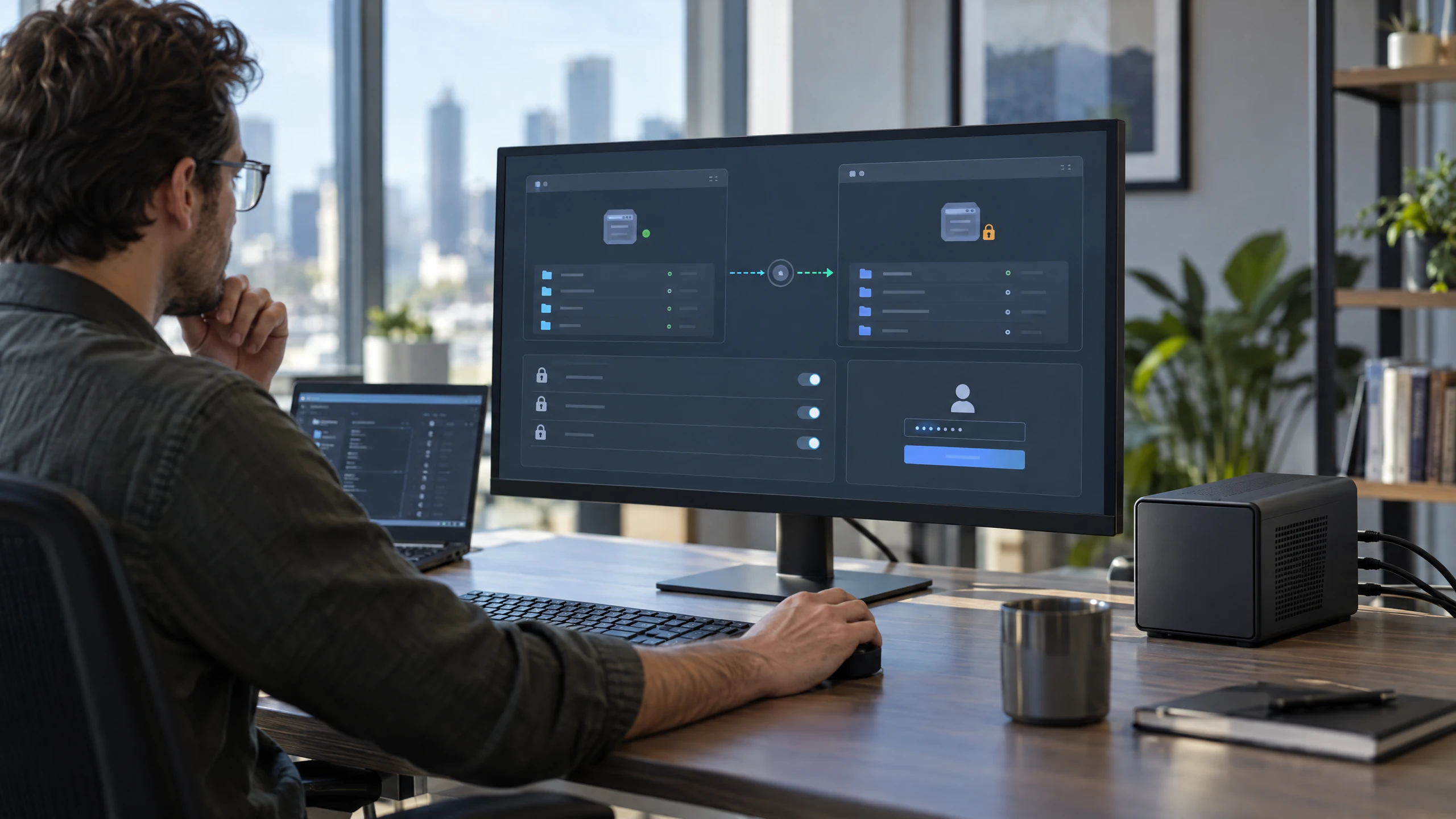
Discuss how an independently held copy could be created and accessed for the agreed scope.
The proposed design should record the copy destination, separation from the live tenant, access controls and any provider or platform dependencies. It does not assume a Google native backup product, a particular vendor, complete workload coverage or a guaranteed copy process.Discuss this requirement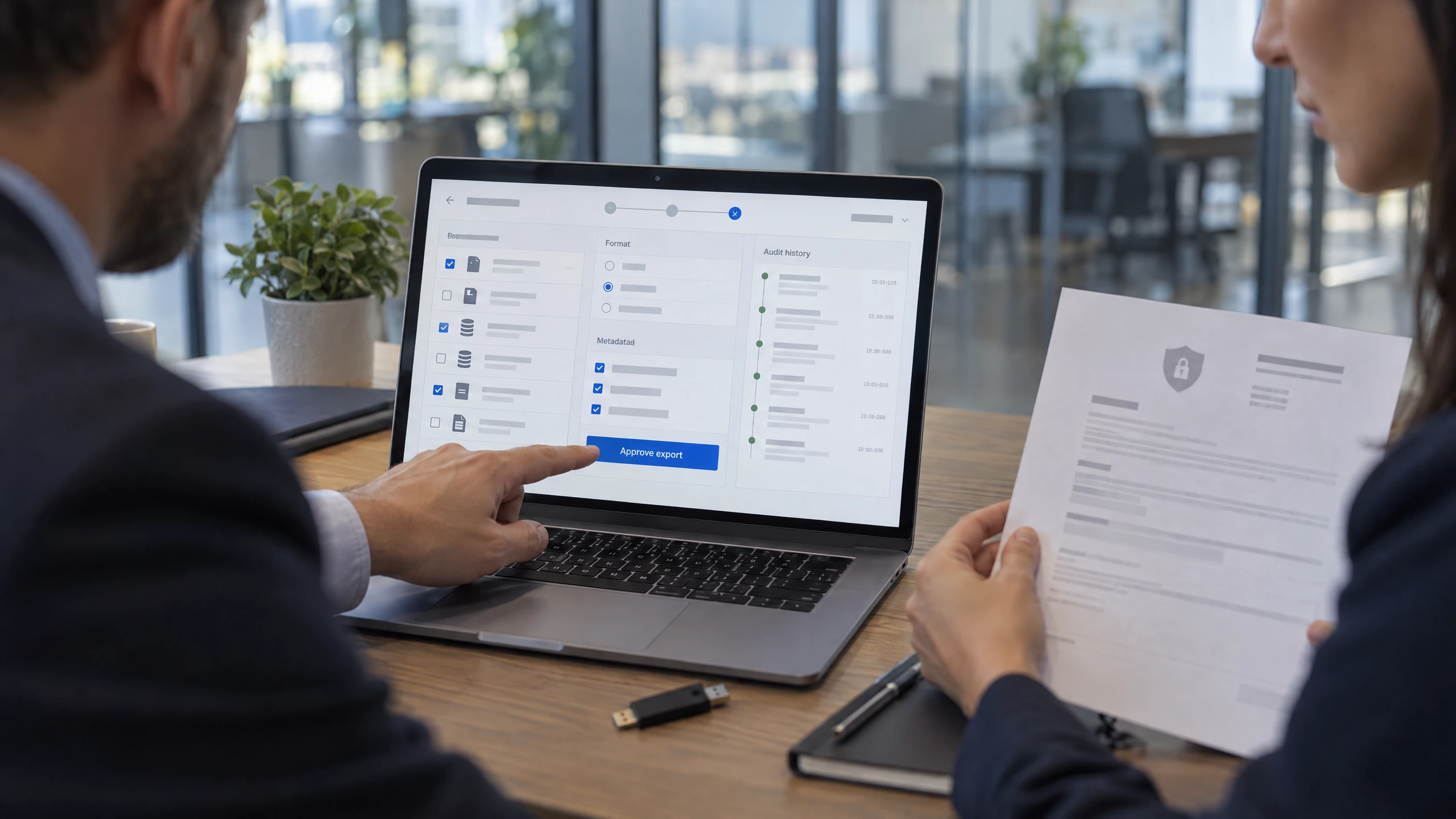
Define what an export should contain and who is authorised to request it.
Separate backup-copy planning from Google Vault's retention, hold, search and eDiscovery export functions. For the proposed service, confirm the required formats, metadata, permissions, audit information and handling of an export before relying on it as a recovery copy.Discuss this requirement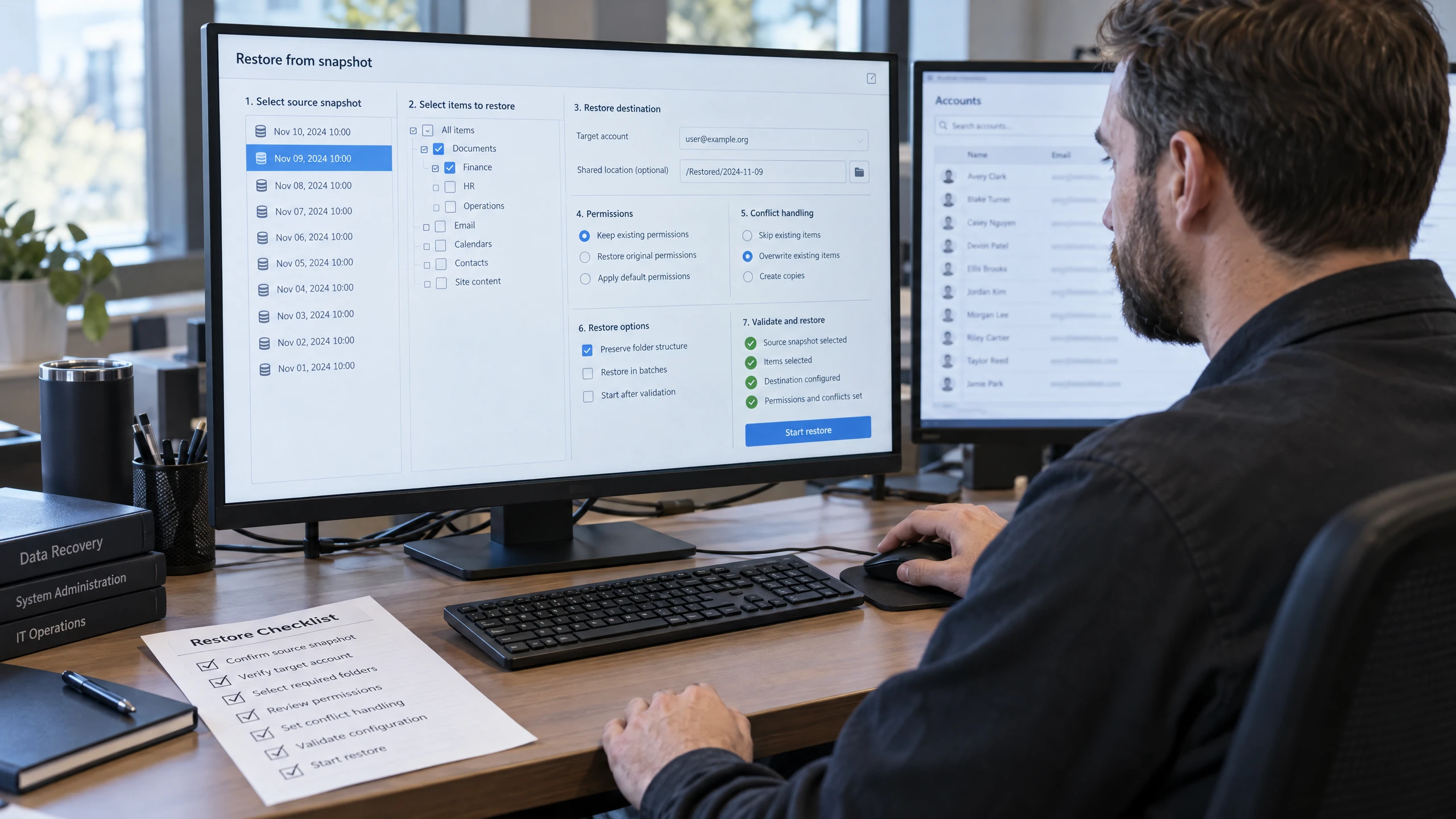
Map how agreed data would be returned to usable accounts, locations or systems.
A restore discussion can cover target accounts, shared data, permissions, conflicts, sequencing and validation. The actual restoration method, workload coverage and achievable outcome require confirmation; this profile does not promise complete restoration or a guaranteed resolution.Discuss this requirement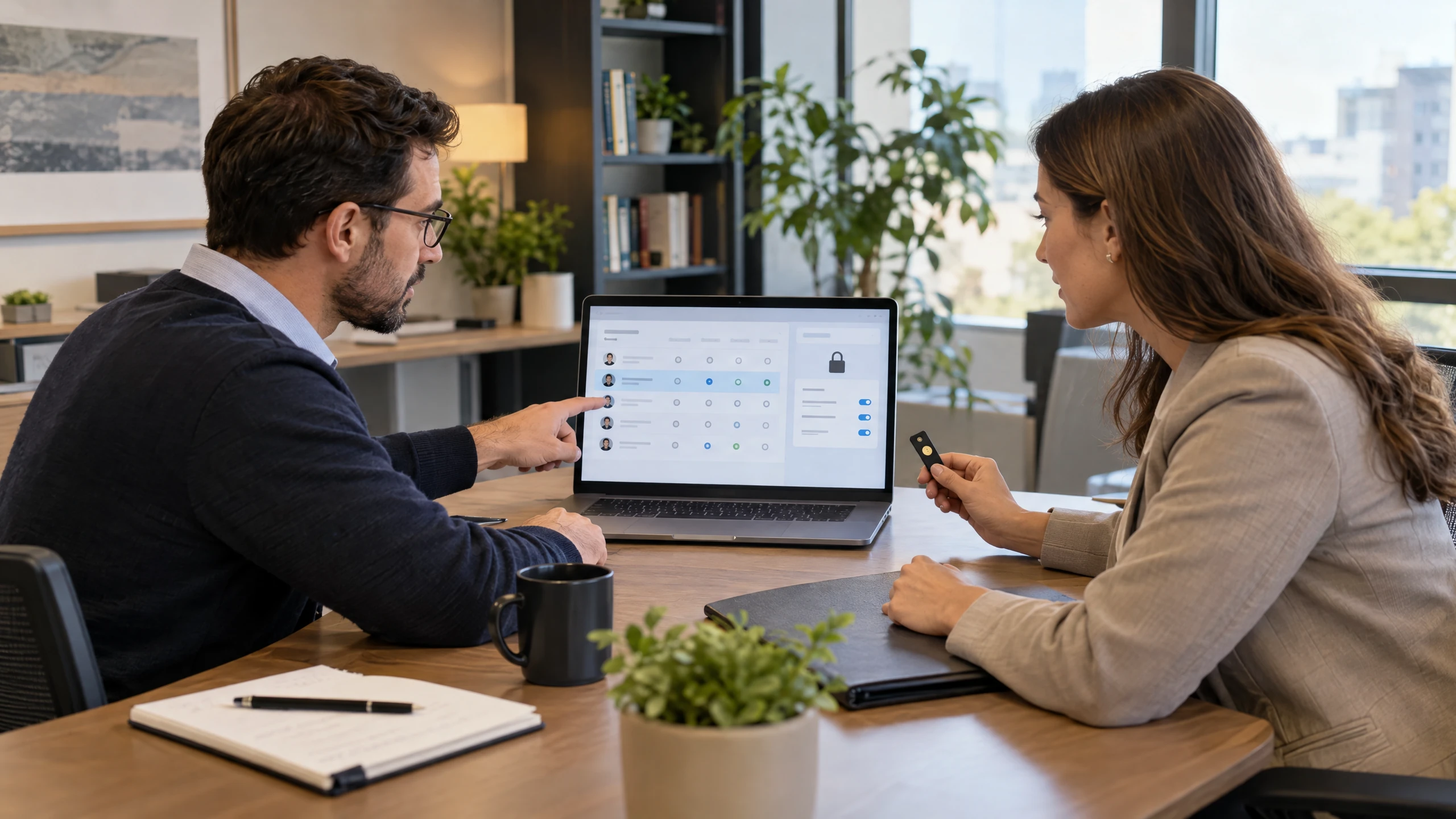
Assign responsibility for administration, credentials, approvals and recovery decisions.
Document who controls the Workspace tenant, copy destination, authentication methods and any encryption or recovery keys. Confirm how access is transferred during staff changes or an incident, without assuming vCloud credentials, provider partnerships or administrative authority.Discuss this requirement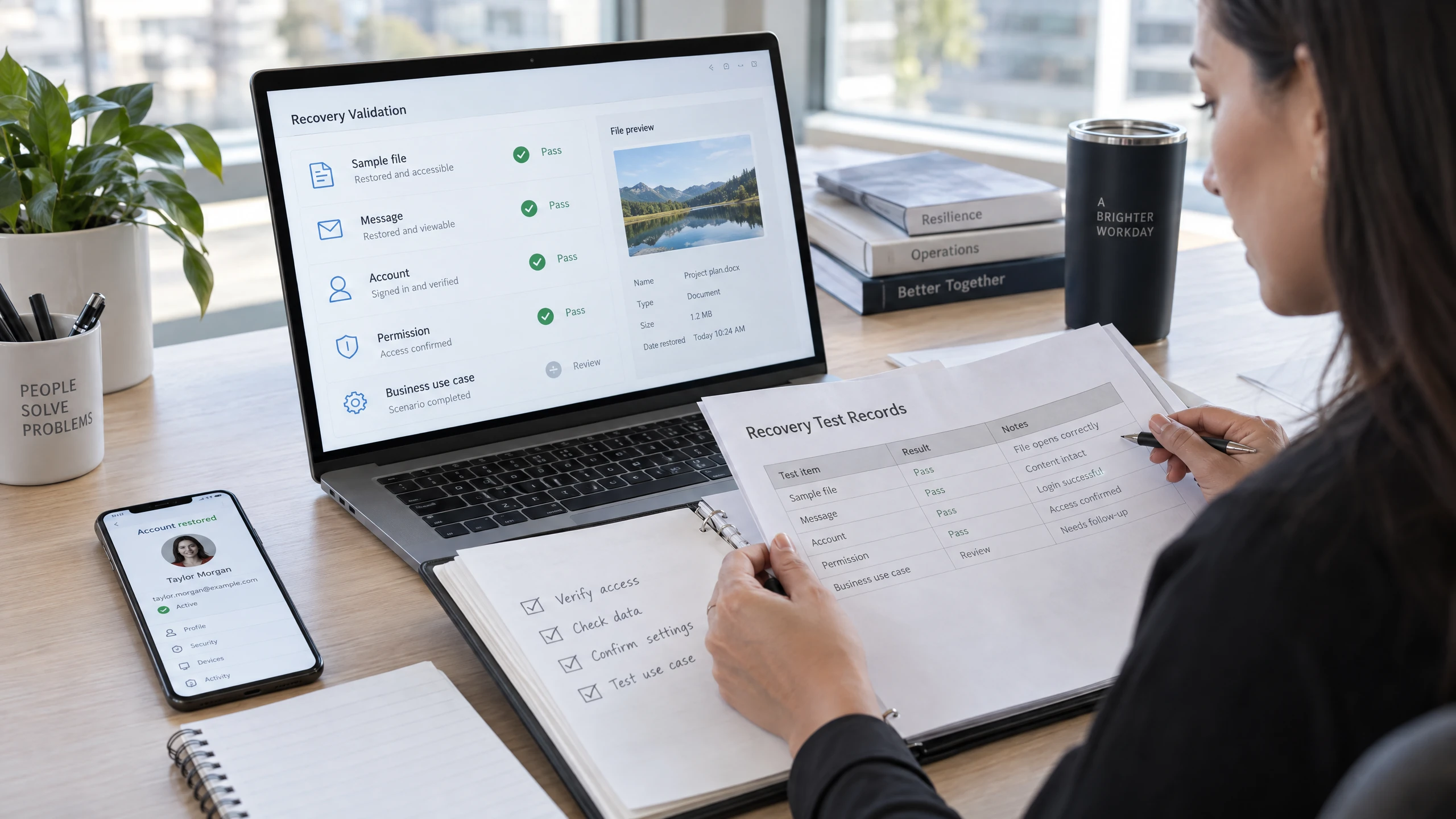
Agree how a proposed copy or restore would be checked before it is relied upon.
Validation can be scoped around selected files, messages, accounts, permissions and business use cases, with findings recorded for review. Test timing, retention, frequency, support model and any restoration commitment are proposed items to confirm rather than included promises.Discuss this requirementYour workplace, systems and operating requirements are the starting point for a useful technology discussion.
This page does not state that vCloud has a local office, a daily local roster or pre-confirmed on-site availability. Suitability and any delivery arrangements are confirmed after reviewing your requirements.
Google Workspace Backup is proposed as a separate copy and recovery discussion, not as an assumption that Google Workspace administration or native retention already provides an independent backup. The data sets, copy method, destination and access model for your organisation must be confirmed.
Support for this proposed service means helping clarify the data scope, copy design, export path, restore assumptions and ownership questions. It does not imply continuous Workspace administration, Vault/eDiscovery management, a particular vendor relationship, fixed frequency, retention period or guaranteed restoration.
Before work begins, confirm the tenant administrator, authorisations, credentials, security controls, destination ownership and any provider boundaries. If a restore is needed, the responsible parties, target state, validation checks and practical limitations should be agreed rather than inferred from the existence of an export or copy.
For a Burton business in SA, local availability, remote or on-site delivery, response times, pricing, SLA terms and the exact tools used require confirmation in a proposal. This profile is a discussion point and does not establish service availability or a complete Google Workspace workload commitment.
Remote support for Google Workspace Backup lets your team discuss service questions and issues without assuming an office visit is needed.
We can discuss remote access, the issue or requirement, and the information needed to investigate it safely.
The discussion can stay focused on your Google Workspace Backup setup, the issue you are experiencing and the access needed to investigate it remotely.
Remote access, scope and timing can be confirmed when you contact us.

Bring the detail that affects your people, systems and decisions into one practical discussion.
Document what the proposed copy is intended to protect and what remains outside scope, rather than treating the whole Google Workspace tenant as automatically covered.
Keep backup planning distinct from Google Workspace administration, Google Vault retention and eDiscovery, and the live service's own recovery features.
Clarify who approves access, manages credentials, requests exports, performs validation and coordinates with any external provider.
Use agreed export or restore checks to understand whether the proposed arrangement supports the business data and recovery outcomes it is expected to support.
Feedback from our clients.
Trevor and his team at vCloud Support have been great, they helped migrate my email from GoDaddy Office 365 to Microsoft 365, it was a painless exercise, all they needed was access. vCloud still maintain my email and now provide me Cyber Security to help ensure I have the protection while I work online.
Different working environments bring different systems, rhythms and priorities into focus.

Online orders, fulfilment and customer communication span several systems. Consider staff access, integrations and business continuity while clearly distinguishing workplace support from the online store and marketplace platforms themselves.
Read perspective
Administration, production information and warehouse systems may rely on different environments. Start with the business network, access needs and outage priorities, while keeping specialised production equipment outside any assumed generic support scope.
Read perspective
Consultants often move between client sites, home and the office. Discuss secure access to project information, reliable communications and backup so the technology plan reflects mobile professional work rather than a fixed-desk assumption.
Read perspectiveStraightforward answers to help you understand your options.
It involves defining a separately scoped, recoverable copy of agreed Google Workspace data, including the copy method, destination, access, export and restore process. Coverage and delivery arrangements must be confirmed before work begins; this does not assume a Google native backup product, a selected vendor or complete workload coverage.
No. Google Vault supports retention, legal holds, search and eDiscovery exports; Google describes it as an information governance tool rather than a data archive. A separate backup copy has its own coverage, destination, access and restoration requirements.
Not automatically. Gmail, Drive, Calendar, Chat, Meet, Groups, Sites and other workloads can differ in export, metadata, permissions and restore behaviour. The supported data, exclusions and recovery outcome must be confirmed before coverage is relied upon.
No copy frequency is promised. The cadence would depend on the agreed data, risk, tooling, cost and recovery objectives, and would need to be confirmed in the scope.
Those responsibilities need to be agreed in advance. The plan should identify the Workspace administrator, destination owner, authorised recovery decision-maker, credential or key custodian and person who validates restored information. vCloud credentials, provider partnerships and administrative authority are not assumed.
No. The achievable result depends on the supported data, export quality, tools, restore method, target accounts or locations, permissions, validation and agreed responsibilities. Availability, response terms and any restoration commitment must be confirmed before work begins.
Tell us what you need. We’ll help you understand the options and decide what comes next.
Use the enquiry form to tell us about your requirements.
Share the issue you’re facing, what you want to improve and any systems already in place.
We discuss your current setup, the people it needs to support and any practical requirements.
We explain suitable options and discuss the scope so you can decide how to proceed.
Tell us which Google Workspace data matters, what recovery outcome you need and who currently owns administration and access. We can discuss a proposed scope for copies, exports, restoration and ownership, with availability and delivery arrangements confirmed before work begins.