
Clearer ownership of IT work
A defined managed-services scope gives your organisation a clearer place to start when a desktop, server, application or network issue affects work.
Coordinate support for desktops, servers, applications and network-connected systems with a managed IT approach shaped around your Southbank organisation.
A considered discussion begins with the environment you have today.
Managed Services, with clear scope and ownership.
The Southbank intake asks for workplace locations, remote-working requirements and the systems managed internally. Map the day-to-day desktops, servers, business applications and network environment that need to be coordinated around the way your organisation works.
Southbank sits on the southern side of the Yarra River Birrarung, where the riverside promenade includes restaurants, hotels and city views.
The Melbourne Arts Precinct in Southbank brings together the National Gallery of Victoria, Hamer Hall, galleries, theatres, studios and arts education institutions.
Managed services can bring the everyday technology your staff rely on into one considered support conversation: workstations, servers, printers, phones and other network-connected equipment. The starting point is understanding what is in the environment and which systems matter to the business.
Tell us what you need. We’ll help you understand the options and decide what comes next.
Use the enquiry form to tell us about your requirements.
Share the issue you’re facing, what you want to improve and any systems already in place.
We discuss your current setup, the people it needs to support and any practical requirements.
We explain suitable options and discuss the scope so you can decide how to proceed.
Managed IT services are the ongoing coordination layer for your desktops, servers, applications and network-connected equipment. They are different from a one-off cloud migration, a standalone backup plan or a dedicated security assessment, even though those areas may influence support decisions.
For a Southbank organisation, support arrangements should account for premises, remote users, operating needs and equipment that may require physical attention. Remote access, on-site availability, travel arrangements, response commitments and third-party escalation must be confirmed for your circumstances; this page does not establish them.
Bring a rough user and device count, the applications your team depends on, workplace locations and current providers to the first discussion. vCloud can then clarify the appropriate service boundary rather than assuming that every system, vendor or licence is included.
Remote support for Managed Services helps your Southbank team work through service questions and issues without needing an office visit.
You can access Level 1–4 support engineers for help with your Managed Services requirements, from initial troubleshooting through to more involved technical investigation.
If the work needs a hands-on response, the remote engineer can escalate it to an on-site engineer for a visit to your office in Southbank.
Appointment, scope and access can be confirmed when you contact us.


We can visit your office in Southbank when Managed Services work needs hands-on attention. Our engineers are in and around the area daily.
Same-day visits can be booked for urgent support issues, with next-day support for issues that can wait. We confirm the appointment, scope and access arrangements when you contact us.
Whether the hand-off starts remotely or on site, the discussion can stay focused on the work in front of your team.
Appointment, scope and access can be confirmed when you contact us.
Remote and on-site support are coordinated within the agreed managed-services scope.
Managed services are most useful when they reflect the systems your people actually use. Discuss the components below as one connected environment, then confirm what belongs in scope.

Keep staff workstations and everyday access in the managed IT conversation.
Review the desktops, users, applications and access arrangements that support daily work, so recurring issues and support responsibilities are understood in context.Discuss this requirement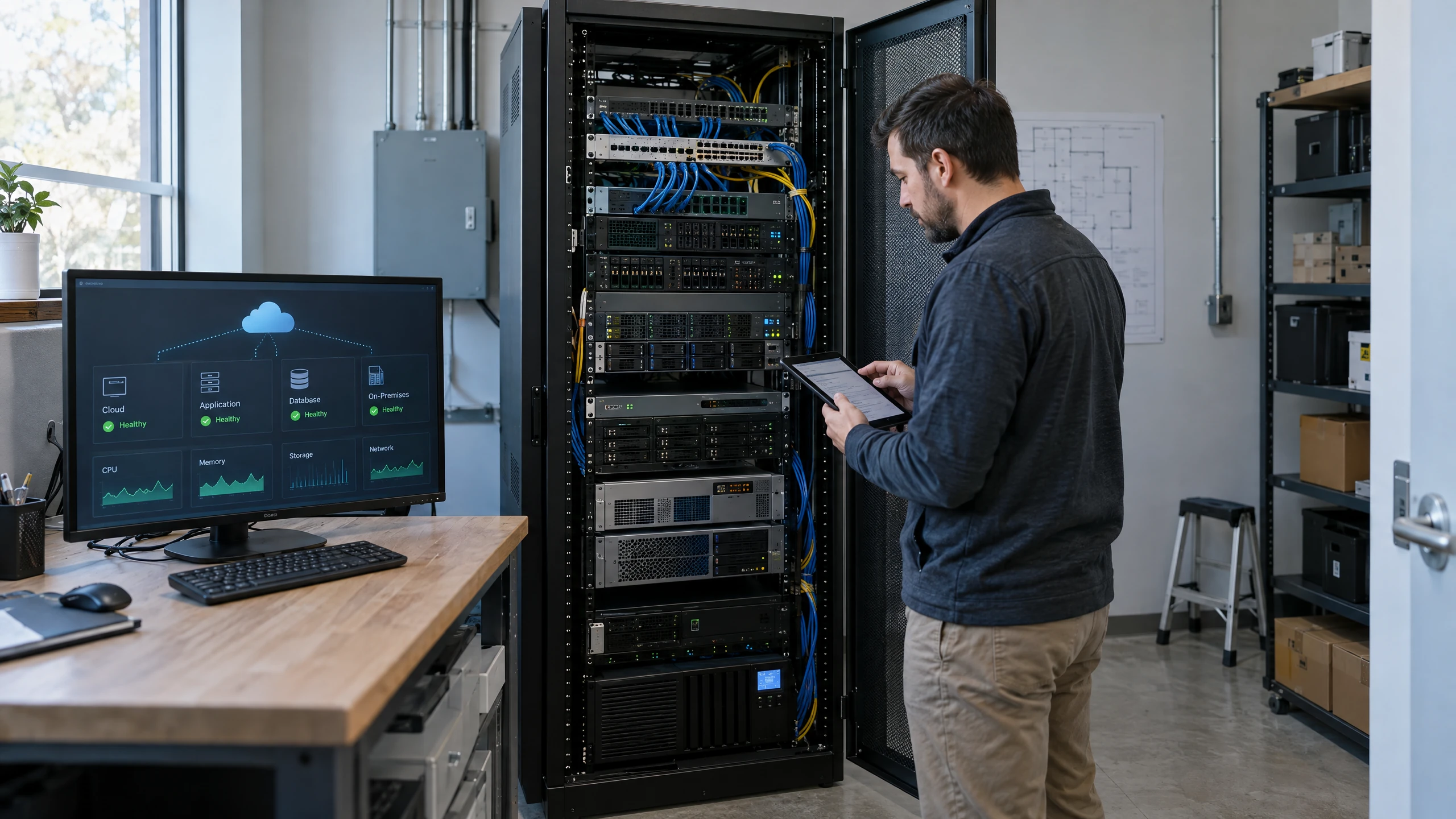
Coordinate the servers that host or enable important business systems.
Consider server roles, dependencies, maintenance needs and the relationship between on-premises infrastructure and cloud workloads before agreeing the service scope.Discuss this requirement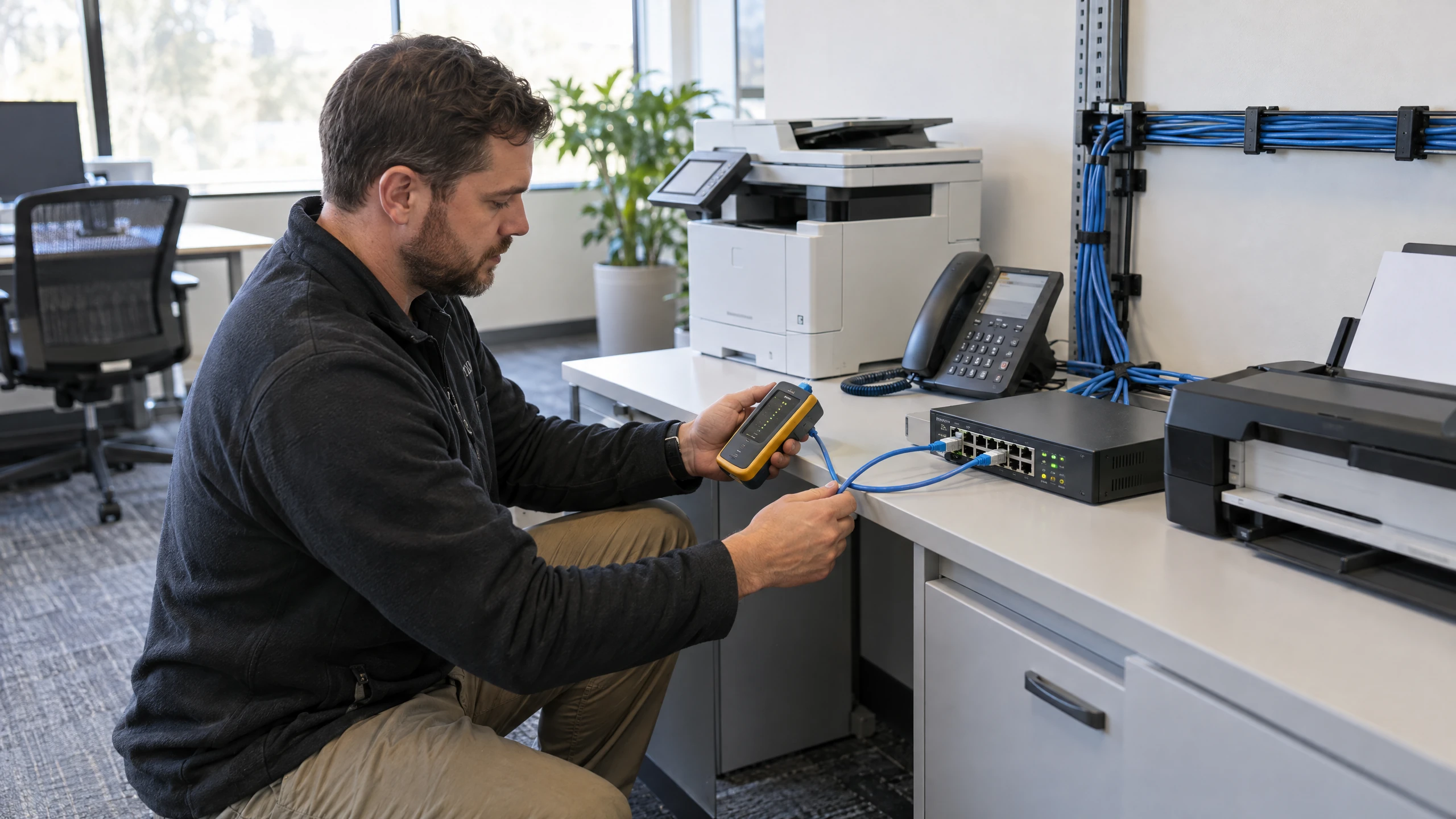
Include the devices that sit between people, systems and the network.
Printers, scanners, multi-function units, phones and other network-addressed equipment can affect productivity; identify what needs oversight rather than treating it as an isolated device issue.Discuss this requirement
Keep current systems and maintenance tasks visible in the support plan.
A managed discussion can cover system audits, updates, anti-virus and malware protection requirements, with the exact tools, cadence and responsibilities confirmed for your environment.Discuss this requirement
Connect application needs with the infrastructure and access underneath them.
Map the applications your team depends on to users, devices, networks and cloud or on-premises systems so support does not stop at a single component.Discuss this requirement
Make licensing and platform choices part of the wider managed IT discussion.
Review subscription and update-cycle requirements alongside the systems they support. Any licensing products, vendors or billing arrangements must be confirmed in the proposal.Discuss this requirementBring the detail that affects your people, systems and decisions into one practical discussion.
A defined managed-services scope gives your organisation a clearer place to start when a desktop, server, application or network issue affects work.
Cloud, hybrid and on-premises systems can be considered together instead of making an isolated change that overlooks users, applications or connected equipment.
Regular reviews, updates and documented responsibilities help turn recurring technology tasks into an agreed part of the conversation.
Plain-English discussion of users, devices, systems and priorities helps you assess suitability and understand what the proposed managed service does and does not include.
Different working environments bring different systems, rhythms and priorities into focus.

Office staff and agents on the road need access to listings, documents and communications. Bring mobility, business phones and shared information into the same discussion so work does not depend on a single office device.
Read perspective
Practice software, imaging workstations and appointment workflows need to work as one environment. Consider dependable access, backups and support ownership while confirming the requirements of your clinical equipment and software providers.
Read perspective
Reception, booking systems and guest connectivity serve different purposes. Bring the property's business network, staff access and recovery priorities into one plan while keeping accommodation-platform and guest-service requirements clearly defined.
Read perspectiveFeedback from our clients.
I have known Trevor for over 10 years and every time I have reached out with an issue, him and his team have always helped. vCloud helped with setting up my email, importing email and scan to email, which has never failed. Always a phone call away.

Managed IT services should begin with the relationship between your users, desktops, servers, business applications and network. vCloud's source service offering explicitly spans server and desktop management, and its broader approach includes cloud, hybrid and on-premises environments.
That matters when an issue crosses boundaries: an application may depend on a server, a remote user may depend on network access, and a printer or phone may be part of a wider workflow. Map those dependencies first, then agree which monitoring, maintenance, support and project work belongs in the managed-services scope.
Managed IT is not the same as buying every adjacent service. Backup and business continuity, cybersecurity, cloud hosting, connectivity and voice can be discussed where they affect the environment, but their products, responsibilities and inclusions should be separately confirmed.
Straightforward answers to help you understand your options.
They can coordinate support for desktops, servers, business applications and network-connected equipment such as printers, scanners and phones. The users, systems, maintenance tasks and escalation responsibilities included should be agreed for your environment.
Yes. The service approach covers cloud, hybrid and on-premises environments, so you can discuss your current systems, remote users and planned changes when defining the scope.
A help desk is a support channel, while managed IT services look at the wider environment behind each request, including desktops, servers, applications, maintenance and network dependencies. Support may be included, but the responsibilities need to be defined rather than assumed.
These are adjacent service areas that may influence managed IT decisions, but they are not automatically included. Specific security controls, backup arrangements and continuity work should be reviewed and confirmed separately in the agreed scope.
On-site coverage, travel arrangements and response commitments for Southbank need to be confirmed for your circumstances. Explain which premises and equipment may need hands-on attention so the available support and inclusions can be clarified before work starts.
A rough count of users and devices, key applications, server and network details, workplace locations, current providers and recurring problems are useful. You do not need to diagnose the issue; describe how it affects the business and what you want the service to achieve.
Share the shape of your current environment and the work your people need to do. vCloud Group can discuss managed IT scope, delivery options and the boundaries between ongoing support and adjacent services.