
Less improvisation during an interruption
A documented sequence gives owners and staff a shared reference for what to do, who coordinates tasks and what recovery looks like.
Plan for disruption before it becomes downtime. Review backup coverage, recovery priorities and documented response steps for the systems your Berwick business depends on.
A considered discussion begins with the environment you have today.
Backup & Business Continuity, with clear scope and ownership.
Start this Berwick discussion with the team’s workplace applications and the current technology friction identified in the local prompt. Identify the systems, data and processes that matter during an interruption before documenting recovery priorities, testing and responsibilities.
Berwick Village's historic centre brings together retail, hospitality and community activity. The City of Casey's activity-centre planning also identifies the nearby health and education precinct as an employment hub anchored by those services and institutions.
For a business working in that setting, technology requirements can extend beyond the office desktop: dependable application access, sensitive information, connected workplaces and continuity all deserve attention. The useful question is how the whole environment supports the organisation's day-to-day work.
vCloud Group brings managed IT, cloud and hybrid infrastructure, business continuity, phones and connectivity into one service conversation. This Berwick example shows the information and options to discuss before local delivery, suitability and service scope are confirmed.
Start with the systems, data and day-to-day processes your people need to keep working. vCloud's Business Continuity+ process reviews interruption history, business systems and possible scenarios before a tailored plan is documented.
This service connects business priorities with practical recovery work. It is designed around your systems, staff and interruption scenarios, rather than a generic checklist.

Work through interruptions your organisation has experienced and other scenarios that could affect its systems or people.
The review can cover deleted files, server failure, internet or power loss, malware and other cybersecurity-related interruptions, then examine the business impact and desired outcome.Discuss this requirement
Clarify which information and systems need to return first and how much data loss the business can reasonably accept.
Recovery Point Objective is treated as a planning consideration, alongside the practical steps required to restore systems and return staff to their normal functions.Discuss this requirement
Turn the analysis into a documented strategic plan your team can refer to during a business interruption.
The plan can set out responsibilities, coordination, recovery actions and the path to an agreed operating state, so decisions are not improvised under pressure.Discuss this requirement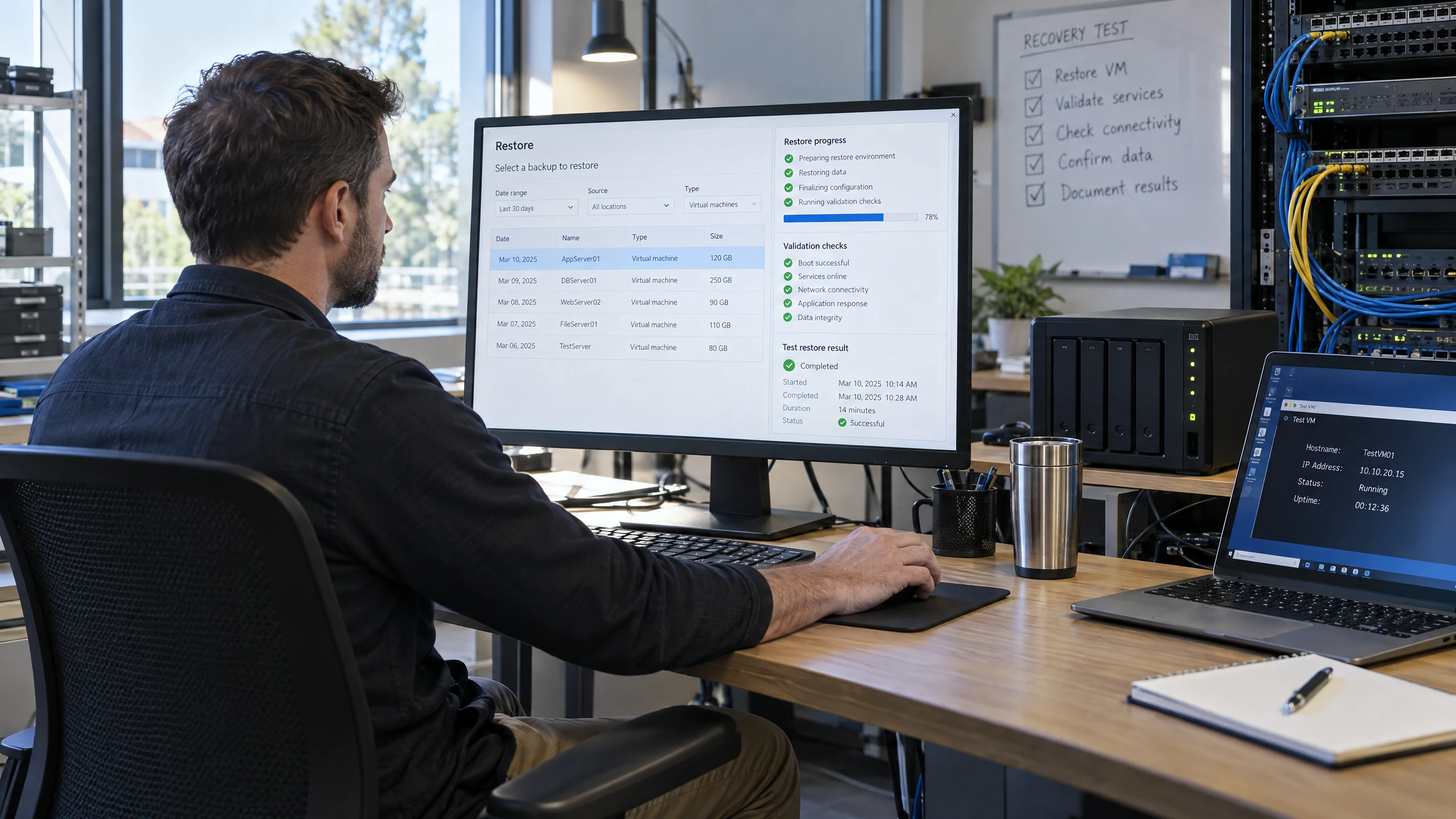
Test whether backups and documented recovery steps produce the outcome the business expects.
Testing can include restoring files, restoring a complete virtual server and exercising replication or failover scenarios where relevant to the environment. Test findings can be recorded and used to update the plan.Discuss this requirement
Consider the recovery approach across the infrastructure you use today or are planning to adopt.
The source service supports discussion of on-premises, cloud and hybrid networks. The design should account for shared files, email, configurations and other information that may not be covered by an application provider's own service.Discuss this requirement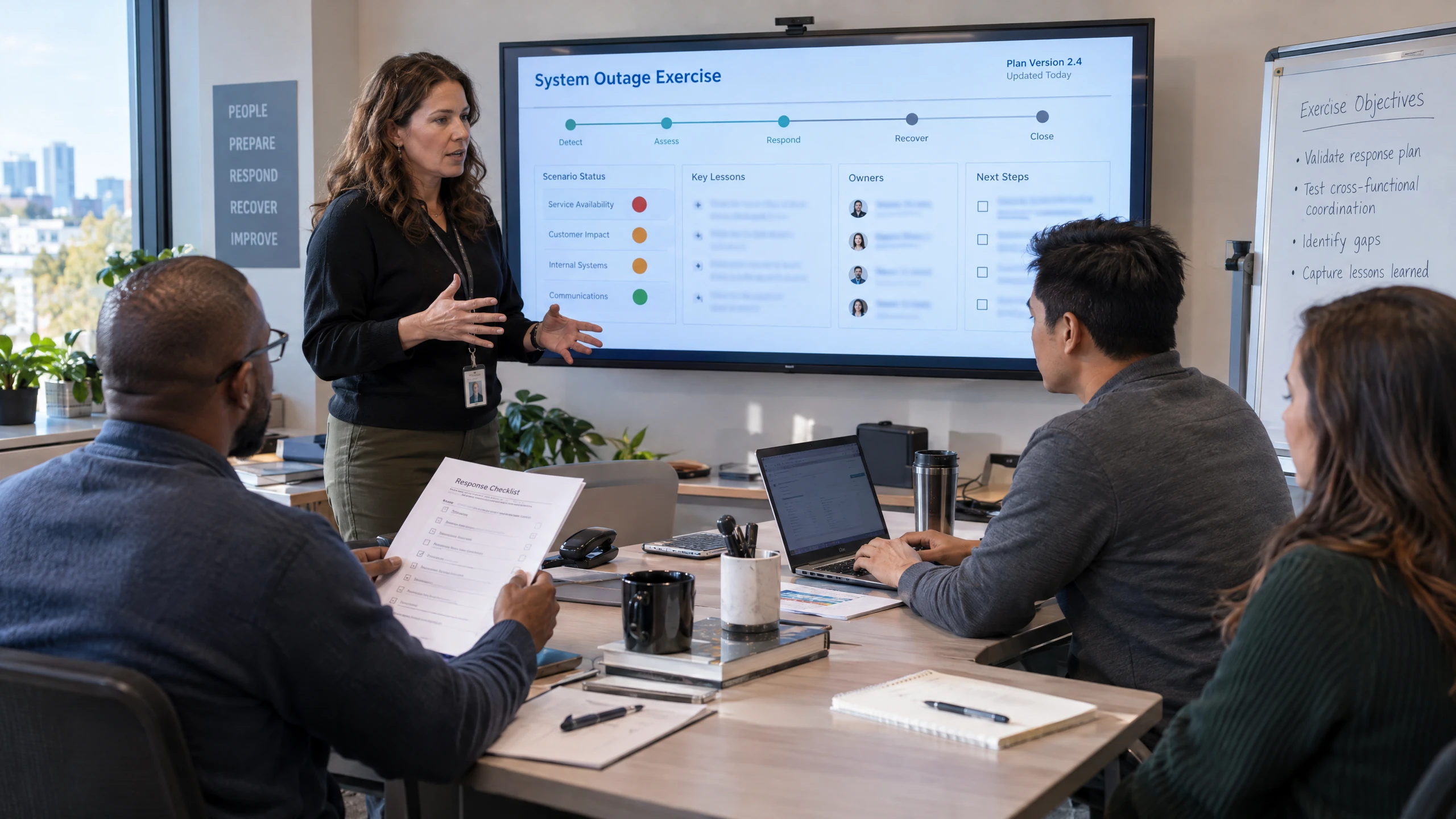
Include the people who use critical systems and keep the documented response useful as the business changes.
Staff can be guided through how to follow and execute test scenarios. New interruption scenarios, system changes and test results provide reasons to review or update the plan.Discuss this requirementBring the detail that affects your people, systems and decisions into one practical discussion.
A documented sequence gives owners and staff a shared reference for what to do, who coordinates tasks and what recovery looks like.
Restoration and failover exercises can expose gaps in backups, documentation or responsibilities before an actual interruption does.
The discussion can include shared files, email, configurations, infrastructure and staff processes—not only data held inside a software provider's platform.
Recorded tests, new scenarios and changes to cloud, hybrid or on-premises systems create practical checkpoints for keeping the response current.

Business continuity is broader than selecting a backup destination. The plan needs to connect the systems staff use each day with the information, infrastructure and access required to restore those functions after an interruption.
vCloud's source service considers on-premises, cloud and hybrid environments, including shared file storage, email and system configuration. Recovery priorities and RPO can then be translated into documented scenarios, testing steps and a defined path back to operation.
The appropriate platform or recovery arrangement depends on the organisation's requirements, existing environment and timing expectations. Those choices should be assessed with the plan rather than assumed from a generic package.
Different working environments bring different systems, rhythms and priorities into focus.

Creative files, client projects and distributed teams need coordinated access. Consider storage, collaboration and recovery alongside the design applications and cloud platforms your agency relies on, without splitting ownership across unrelated suppliers.
Read perspective
Development teams, internal business systems and customer-facing tools can have different needs. Bring infrastructure, access and recovery into one discussion while clearly separating managed business IT from software-development responsibilities.
Read perspective
Coordinate accounting applications, client documents and seasonal workloads with the technology underneath them. Consider secure access, dependable connectivity and backup so office-based and remote team members can work from the same information.
Read perspectiveFeedback from our clients.
We have used vCloud Group as our end-to-end network solution provider for over 15 years. The vCloud staff works very closely with our practice manager to assist with all systems and processes. It was vCloud Australia who advised us that virtualisation and cloud-based solutions were the future.
Managed IT support helps operate and maintain systems day to day; this service focuses on what happens when an important system, location, connection or process is interrupted. It creates and exercises the recovery method instead of treating each incident as an ad-hoc fix.
Backup alone is not a complete continuity plan. A successful backup still needs a known restoration path, appropriate recovery priorities, people who understand their roles and testing that checks whether the documented process matches the real environment.
Cybersecurity and cloud services may reduce particular risks or provide parts of the infrastructure, but they do not by themselves define how your staff coordinate recovery. The scope, testing cadence, remote or on-site arrangements and any service commitments should be confirmed for your organisation and Berwick premises.
Remote support for Backup & Business Continuity helps your Berwick team work through service questions and issues without needing an office visit.
You can access Level 1–4 support engineers for help with your Backup & Business Continuity requirements, from initial troubleshooting through to more involved technical investigation.
If the work needs a hands-on response, the remote engineer can escalate it to an on-site engineer for a visit to your office in Berwick.
Appointment, scope and access can be confirmed when you contact us.


We can visit your office in Berwick when Backup & Business Continuity work needs hands-on attention. Our engineers are in and around the area daily.
Same-day visits can be booked for urgent support issues, with next-day support for issues that can wait. We confirm the appointment, scope and access arrangements when you contact us.
Whether the hand-off starts remotely or on site, the discussion can stay focused on the work in front of your team.
Appointment, scope and access can be confirmed when you contact us.
Visits focus on your Backup & Business Continuity requirements. The work, responsibilities and ongoing support are agreed with your team.
Tell us what you need. We’ll help you understand the options and decide what comes next.
Use the enquiry form to tell us about your requirements.
Share the issue you’re facing, what you want to improve and any systems already in place.
We discuss your current setup, the people it needs to support and any practical requirements.
We explain suitable options and discuss the scope so you can decide how to proceed.
Straightforward answers to help you understand your options.
It starts by reviewing interruption scenarios, critical systems and data, recovery priorities, and the steps staff need to follow. The outcome can be a documented continuity plan covering responsibilities, recovery actions, testing and updates, with the exact systems and activities agreed for your environment.
The plan considers which systems, information and day-to-day processes your people need first, along with the amount of data loss the business can reasonably accept. Recovery Point Objective is a planning consideration, not a guaranteed recovery time or result.
Planning can consider deleted files, server failure, internet or power loss, malware and other cybersecurity-related interruptions. Your interruption history and the systems your staff rely on should determine which scenarios are documented and exercised.
Yes, the planning approach can be tailored to on-premises, cloud or hybrid environments. It may consider shared files, email, configurations, virtual servers and other systems that need to be restored, but the appropriate recovery arrangement depends on your existing setup and requirements.
Testing can include restoring individual files, restoring a complete virtual server, and exercising replication or failover scenarios where they are relevant to the environment. Findings can be recorded and used to improve the documented plan.
The cadence should reflect the importance of the information, the risks identified and changes to your systems or circumstances. Backup testing may be scheduled weekly, monthly or quarterly, while scenario exercises and plan reviews should be arranged often enough to keep the documented response usable.
Talk through your systems, previous interruptions and recovery priorities with vCloud Group. The next step is to confirm suitability, scope and delivery arrangements for your business.