
Less disruption
Give users a clearer path through technology problems so they can understand what is blocking their work.
Practical help for users, devices, applications and connectivity in Richmond. We start by understanding the issue, triage the likely cause and explain the next step, including where coordination with an existing provider may be needed.
A considered discussion begins with the environment you have today.
IT Support, with clear scope and ownership.
Start the Richmond discussion with the user count, current server and desktop setup, and the issue identified in the intake. Describe the user, device, application or connectivity issue and any existing-provider boundary so triage and ownership can be made clear.
Bridge Road is one of Richmond’s commercial precincts, with retail, food and drink businesses alongside heritage architecture.
Swan Street runs from Punt Road to Burnley Park, bringing food and nightlife venues close to the Melbourne Sports and Entertainment Precinct.
Get practical assistance with everyday user issues across computers, peripherals and workplace technology, with the problem understood before next steps are suggested.
The focus is solving or clearly progressing a specific technology problem. The exact scope, availability and engagement terms are confirmed for your situation before work begins.

Turn a reported technology problem into a clear, prioritised next step.
We gather the relevant symptoms, context and impact, then narrow down whether the issue is most likely related to a user, device, application, network or another provider.Discuss this requirement
Work through practical problems affecting computers and connected workplace devices.
Support can investigate device behaviour, access, configuration and peripheral issues, with the appropriate resolution or escalation explained in plain language.Discuss this requirement
Help diagnose application access, setup and day-to-day use issues.
We can help identify whether an application problem is caused by a local setting, account or wider system dependency, while confirming any specialist-vendor boundary.Discuss this requirement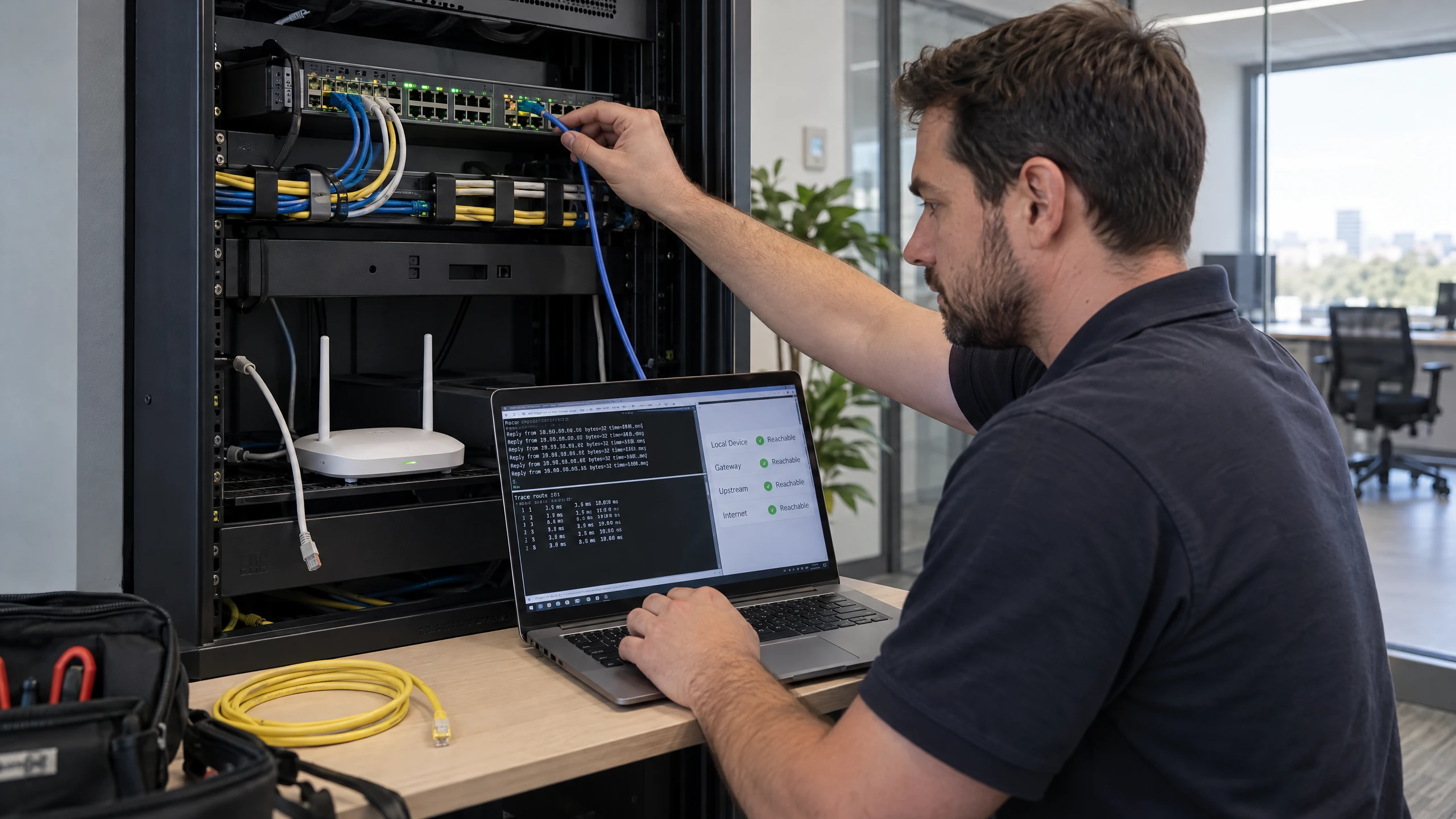
Investigate internet, network and remote-access symptoms that interrupt work.
We use the available information about the affected connection or service to distinguish local device symptoms from network or upstream-provider issues and outline the next action.Discuss this requirement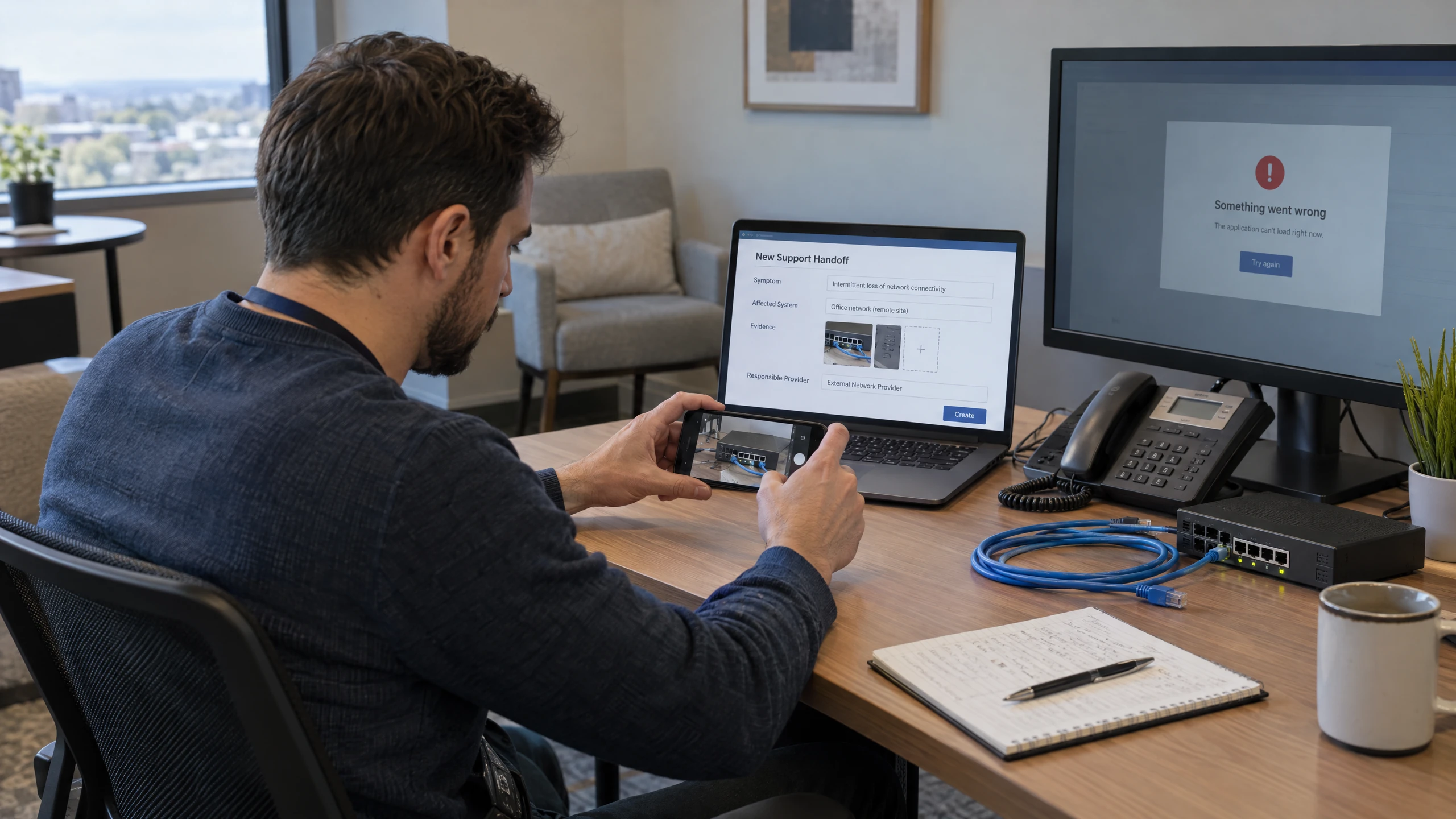
Help connect the technical issue to the provider best placed to resolve it.
Where a phone, software, internet, hardware or other supplier is involved, we can help frame the problem and coordinate information so the issue is not lost between providers.Discuss this requirement
Receive a practical explanation of what has been found and what should happen next.
The outcome may be a resolution, a safe troubleshooting step, a recommendation to involve an existing provider or a discussion about a separately scoped piece of work.Discuss this requirementBring the detail that affects your people, systems and decisions into one practical discussion.
Give users a clearer path through technology problems so they can understand what is blocking their work.
Replace confusing technical hand-offs with an explanation of the issue, likely cause and next action.
Identify whether the next step sits with your team, a device or application provider, a connectivity provider or another party.
Start with the actual problem and confirm the appropriate scope, availability and engagement terms rather than assuming a package.

IT problems rarely sit in one neat box. A user issue may involve a workstation, printer, application, internet connection, cloud service or on-premises system. IT Support is intended to examine that practical chain and make the technical boundary easier to understand.
The approach can be relevant to on-premises, cloud or hybrid environments, but the systems involved, access requirements and any work with third-party providers need to be confirmed for each situation.
Different working environments bring different systems, rhythms and priorities into focus.

Administration, production information and warehouse systems may rely on different environments. Start with the business network, access needs and outage priorities, while keeping specialised production equipment outside any assumed generic support scope.
Read perspective
Dispensing platforms, stock systems and counter connectivity have distinct support responsibilities. Consider the surrounding network, staff access and recovery arrangements while keeping specialist pharmacy software support clearly defined.
Read perspective
Bookings, workshop records and diagnostic systems need different kinds of support. Discuss the business network, shared information and recoverable records while keeping vehicle-specific equipment and software responsibilities with their confirmed providers.
Read perspectiveFeedback from our clients.
Yarra Accounting Group have been with vCloud for over 2 years. In that time we have embraced the true power of cloud computing and created a paperless, cloud accountancy firm. As our time is spent working from client sites, the traditional office was unnecessary. The office simply housed our technology… but no more!
Describe what is happening, who is affected and what changed. The initial discussion can then establish whether the request is suitable for practical troubleshooting, needs information from an existing provider or should be scoped as a separate piece of work.
IT Support is separate from ongoing Managed Services. It does not assume continuous monitoring, routine maintenance or a managed-services inclusion; scope, availability and engagement terms are confirmed before proceeding.
Remote IT support gives your team an alternative to waiting for someone to visit your Richmond office.
You can access Level 1–4 support engineers for issues that need attention, from everyday interruptions through to more involved technical investigation.
If the work needs a hands-on response, the remote engineer can escalate it to an on-site engineer for a visit to your office in Richmond.
Appointment, scope and access can be confirmed when you contact us.


We can visit your office in Richmond when an issue needs hands-on attention. Our engineers are in and around the area daily.
Same-day visits can be booked for urgent support issues, with next-day support for issues that can wait. We confirm the appointment, scope and access arrangements when you contact us.
Whether the hand-off starts remotely or on site, the discussion can stay focused on the work in front of your team.
Appointment, scope and access can be confirmed when you contact us.
Support is scoped to the issue; ongoing managed services are a separate arrangement.
Tell us what you need. We’ll help you understand the options and decide what comes next.
Use the enquiry form to tell us about your requirements.
Share the issue you’re facing, what you want to improve and any systems already in place.
We discuss your current setup, the people it needs to support and any practical requirements.
We explain suitable options and discuss the scope so you can decide how to proceed.
Straightforward answers to help you understand your options.
IT Support focuses on practical help with users, devices, applications and connectivity. We can triage the issue, explain the likely cause and clarify the next step, including coordination with an existing provider when needed; scope and engagement terms are confirmed first.
Yes. We can help clarify the symptoms, likely technical boundary and information needed for a software, hardware, phone, internet or other provider. This coordination does not promise that another provider’s service will be fixed by vCloud Group.
IT Support is for practical troubleshooting and defined help with a current issue. Managed Services is a separate ongoing-management service family, so IT Support does not include or imply continuous monitoring, routine maintenance or other managed-services inclusions.
They describe possible discussions about higher-touch or more complex-environment support and discrete as-needed help. They are not verified tiers or guaranteed engagements, so priority SLAs, 24/7 access, a dedicated engineer, response times, pricing, immediate availability or a one-off arrangement should not be assumed; scope and terms must be confirmed.
Yes—describe the device, application, connection or user impact for an initial discussion. Suitability, access requirements, third-party involvement and the available engagement arrangement are confirmed before work proceeds.
Tell us what is not working, when it started, who or what is affected, any recent change and which provider or system may be involved. This helps determine the next step, but does not establish availability, pricing, an SLA or a guaranteed resolution.
Tell us about the users, devices, applications or connectivity issue you need help understanding. We can discuss the likely scope, availability and engagement arrangement without assuming a managed-services package or an unverified support tier.